Urban drone flying often exposes operators to GPS multipath effects, electromagnetic interference, blocked satellite signals, and radio-frequency congestion. These issues can make your drone drift, lose position hold, or react less predictably near buildings, bridges, power lines, towers, and dense infrastructure. Understanding how these factors work helps you plan safer flights, choose better launch points, and maintain reliable flight performance in complex city environments.
Quick Answer
Urban drone GPS problems usually come from reflected satellite signals, blocked sky view, electromagnetic interference, and crowded radio environments. To reduce risk, launch from open areas, check GPS and compass status before takeoff, avoid relying on automated modes in weak-signal areas, stay within visual line of sight, and practice manual control.
Key Takeaways
- Tall buildings can reflect or block satellite signals, which may cause drifting, poor position hold, or sudden GPS warnings.
- Power lines, communication towers, metal structures, and dense electronics can interfere with compass, GPS, and control links.
- Open launch points, smart flight-path planning, firmware updates, and careful pre-flight checks improve urban flight reliability.
- Manual flying skill matters because automated features may become less reliable when GPS quality drops.
At a Glance
| Best Launch Area | Open space with a clear sky view, away from tall buildings, power lines, towers, and heavy metal structures. |
| Main Risks | GPS multipath, blocked satellite view, compass errors, radio interference, signal loss, and poor return-to-home accuracy. |
| Pre-Flight Priority | Check GPS lock, compass status, battery level, firmware, propellers, controller connection, airspace rules, and emergency landing zones. |
| Skill Needed | Basic manual control, safe hovering, orientation control, emergency landing practice, and awareness of local drone rules. |
Understanding GPS Multipath Effects in Urban Environments
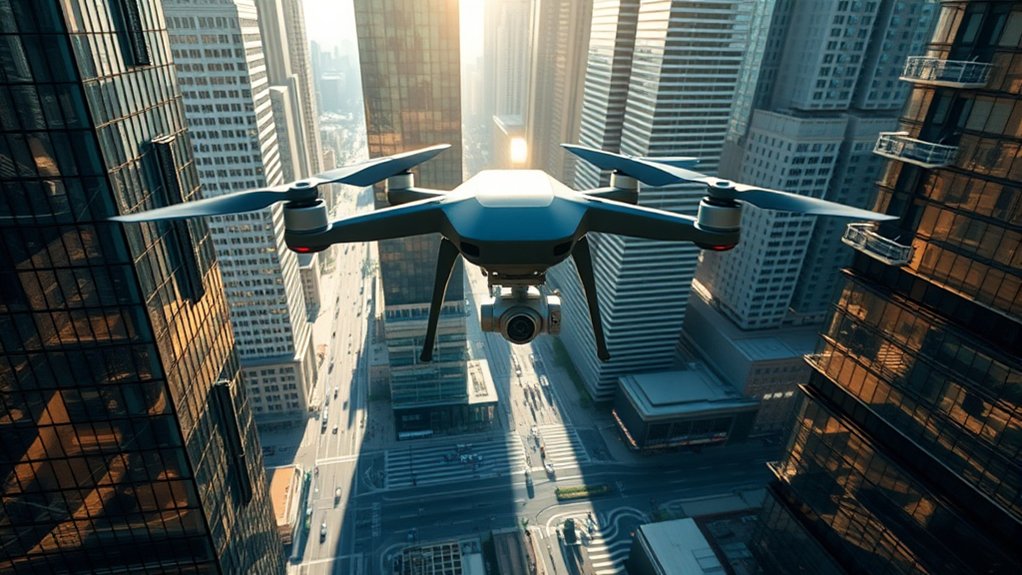
How do GPS multipath effects impact drone navigation in urban environments?
In cities, satellite signals can bounce off tall buildings, glass towers, bridges, vehicles, and metal surfaces before reaching your drone. Your drone may receive the direct satellite signal and one or more reflected signals at nearly the same time. That mix can confuse positioning systems and lead to inaccurate location data.
Good GPS performance depends on a clear sky view and strong satellite geometry. In crowded streets, narrow alleys, and areas surrounded by tall structures, your drone may see fewer satellites or receive weaker signals. That can cause unexpected drifting, slow position updates, poor hover stability, or difficulty holding a precise path during automated flights.
Multipath problems become more noticeable when you fly close to buildings, between high-rises, under bridges, near stadiums, or near reflective glass walls. Even when your app shows a GPS lock, the location estimate may still be less accurate than it would be in an open field.
As a skilled pilot, you need to manage these challenges before and during flight. Watch your GPS status, maintain visual line of sight, avoid tight corridors, and be ready to take manual control if the drone starts drifting. Understanding multipath interference helps you adjust your flight strategy and keep your missions safer in urban landscapes.
Note: A strong satellite count alone does not always mean perfect positioning. Signal quality, satellite geometry, reflections, and local interference can still affect accuracy.
The Impact of Electromagnetic Interference on Drone Navigation
What happens when electromagnetic interference (EMI) disrupts drone navigation in urban environments? You may see compass warnings, GPS instability, weak controller signal, delayed video feed, or erratic flight behavior. EMI can affect the systems your drone uses to estimate direction, position, and movement.
Common urban sources include power lines, transformers, industrial equipment, rail systems, antennas, communication towers, reinforced concrete, metal rooftops, and large electrical installations. Dense sources of EMI can lead to signal degradation, poor heading accuracy, and a higher chance of navigation errors.
If your drone relies too heavily on GPS and compass data, interference can make it harder to maintain smooth control in complex urban landscapes. Larger structures and high-power devices create added risk because they can reflect, block, or disturb navigation and control signals.
Effective pre-flight preparations reduce these risks. Calibrate your drone only when the manufacturer recommends it, and do it away from vehicles, metal objects, power equipment, and reinforced structures. Do not calibrate beside a car, manhole cover, bridge railing, or rooftop HVAC system because those surfaces can distort compass readings.
Practicing in ATTI mode, or another non-GPS-assisted mode when your drone supports it, can help you understand how the aircraft behaves without strong positioning support. This practice should happen in a safe, open area before you attempt urban flights.
Warning: Never ignore compass, GPS, battery, remote-controller, or return-to-home warnings. Land in a safe area and troubleshoot before continuing the flight.
How to Recognize Weak GPS or Interference During Flight
Weak GPS and interference problems often show up before a serious issue occurs. Your drone app may display warnings, but you should also watch the aircraft itself. Small changes in movement can tell you when the drone is losing reliable positioning.
Watch for these common signs:
- Drifting while hovering: The drone moves sideways even when you are not touching the sticks.
- Toilet-bowl movement: The drone circles slowly instead of holding a stable hover.
- Sudden compass warnings: The app warns about magnetic interference or asks for calibration.
- Weak GPS warnings: The aircraft switches to a less-assisted flight mode or loses position hold.
- Delayed video feed: The live view stutters, freezes, or drops out near buildings or antennas.
- Return-to-home uncertainty: The home point updates slowly, records inaccurately, or fails to set clearly.
If you notice any of these signs, stop moving farther away. Climb only if it is safe and legal, move toward a more open area, or land carefully. Do not keep flying deeper into a narrow street or between buildings when positioning becomes unstable.
Strategies for Mitigating GPS Signal Issues
While maneuvering urban environments can be challenging due to GPS signal issues, effective planning can greatly improve your drone’s performance. Start by choosing a safer launch point, checking your aircraft status, and avoiding flight paths that trap the drone between reflective surfaces.
Urban flights are safest when you plan for signal problems before takeoff instead of reacting after the drone begins to drift.
- Launch From Open or Elevated Locations: Take off from open areas, rooftops, clear courtyards, parks, or riverfronts when permitted. A wider sky view improves GPS acquisition and reduces building-related reflections.
- Avoid Automated Flight Modes in Weak-GPS Areas: In places with poor GPS reception, avoid relying on orbit, waypoint, tracking, or automated return paths. Manual piloting gives you better control when the environment changes quickly.
- Plan Flight Paths Wisely: Choose routes with open sky, visible emergency landing zones, and fewer obstacles. Avoid narrow streets, glass building canyons, tunnels, bridges, dense crowds, and areas near major antennas.
- Set a Safe Return-to-Home Altitude: Make sure the return path clears nearby obstacles. In cities, a low return altitude can send the drone toward trees, signs, rooftops, or building edges.
- Check the Home Point Before Takeoff: Wait until the home point records correctly. If your launch point is close to buildings, confirm the map location before you fly away.
Advanced technologies such as Real-Time Kinematic (RTK) GPS systems can improve positioning accuracy when properly set up, but they do not remove every urban flight risk. RTK can still be affected by poor sky view, blocked signals, and operational mistakes. You should still inspect your drone, monitor signal quality, and maintain control throughout the flight.
Pro Tip: Before flying a mission route, hover for 30 to 60 seconds at a safe height. Watch for drift, warning messages, and control-link stability before moving farther away.
Tips for Safe Urban Drone Flying
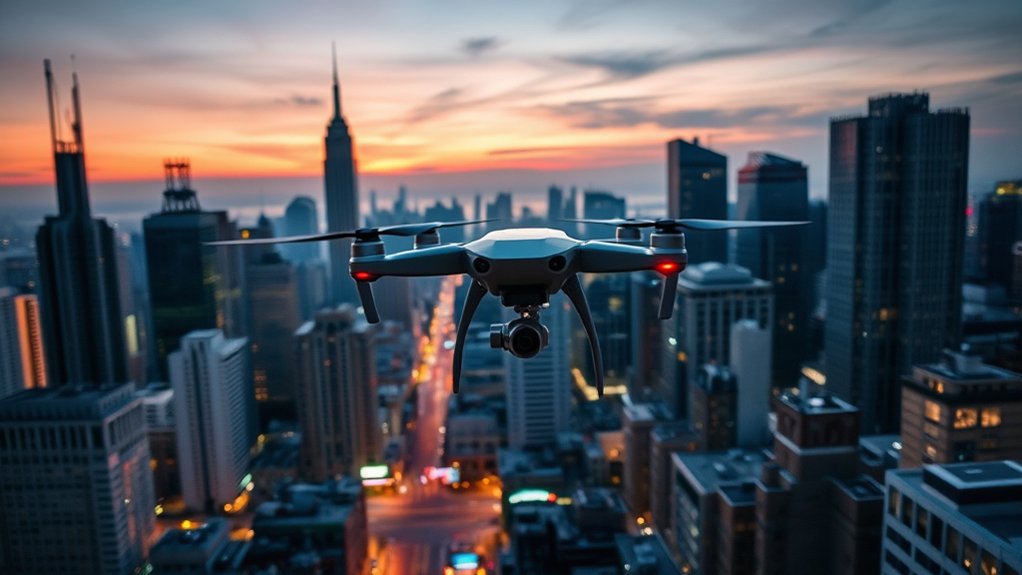
Ensuring safe urban drone flying requires careful planning, strong situational awareness, and respect for local rules. Start by launching your drone in an open area that gives you a clear sky view and a safe emergency landing option.
Before every flight, inspect your drone for physical obstructions, loose parts, damaged propellers, blocked vents, covered antennas, or anything that could reduce GPS functionality. Stickers, mounts, accessories, or debris near the GPS module or antennas can reduce signal quality.
Monitor GPS status indicators on both your drone and remote control. Wait for a stable GPS lock and a correctly recorded home point before takeoff. If the app shows a weak signal, compass error, or poor positioning warning, do not launch until you resolve the issue.
Stay close enough to clearly see the drone’s orientation and movement. Avoid flying behind buildings, around corners, or beyond structures that can block the control link. Urban environments can create sudden signal shadows, especially when the aircraft moves behind concrete, steel, or glass.
Respect altitude limits, airspace restrictions, privacy concerns, local ordinances, and no-fly areas. In many places, drone pilots must keep the aircraft within visual line of sight and avoid unsafe flights over people, moving vehicles, emergency scenes, airports, and restricted spaces.
Practice flying in ATTI mode or other non-GPS-assisted behavior only in a safe, open area if your drone supports it. This skill helps you stay calm if GPS weakens, but it does not replace safe planning.
Best Places to Launch a Drone in the City
Your launch point affects GPS quality before the drone even leaves the ground. Dense buildings, parked cars, metal benches, bridges, and power infrastructure can reduce signal strength or disturb the compass.
Better launch locations usually include:
- Open parks: Wide fields give your drone a clearer view of the sky.
- Riverfronts or waterfronts: Open water often reduces building blockage, though wind can be stronger.
- Clear rooftops: Elevated spaces can improve sky view when they are legal, safe, and free of metal clutter.
- Open plazas: Large paved areas can work if they are not crowded and do not contain heavy metal structures.
- Designated flying areas: Approved drone zones or model aircraft fields are often the safest option.
Avoid launching from sidewalks beside tall buildings, near parked cars, under bridges, beside power equipment, or close to large metal structures. These locations increase the chance of poor compass readings, weak satellite visibility, and unsafe emergency landings.
Manual Control and Emergency Planning
Urban drone flights need a backup plan. GPS, obstacle sensors, return-to-home, and automated tracking can help, but none of them should be your only safety layer. You should know how to fly the aircraft manually and land it safely if the drone stops holding position.
Before takeoff, choose at least two emergency landing zones. These should be clear, visible, and away from people, vehicles, animals, and water. If your main landing zone becomes blocked, you will already know where to go.
Keep the drone pointed in a direction you understand. Orientation confusion gets worse in cities because buildings can hide the aircraft quickly. If you lose orientation, stop moving, hover if possible, check the map and camera view, then make small stick inputs to confirm direction.
If GPS drops or the drone switches to a less-assisted mode, avoid sharp stick movements. Make small corrections, keep the aircraft level, and land in the nearest safe area. Do not trigger return-to-home unless you know the home point is accurate and the route is clear.
The Importance of Pre-Flight Checks and Maintenance
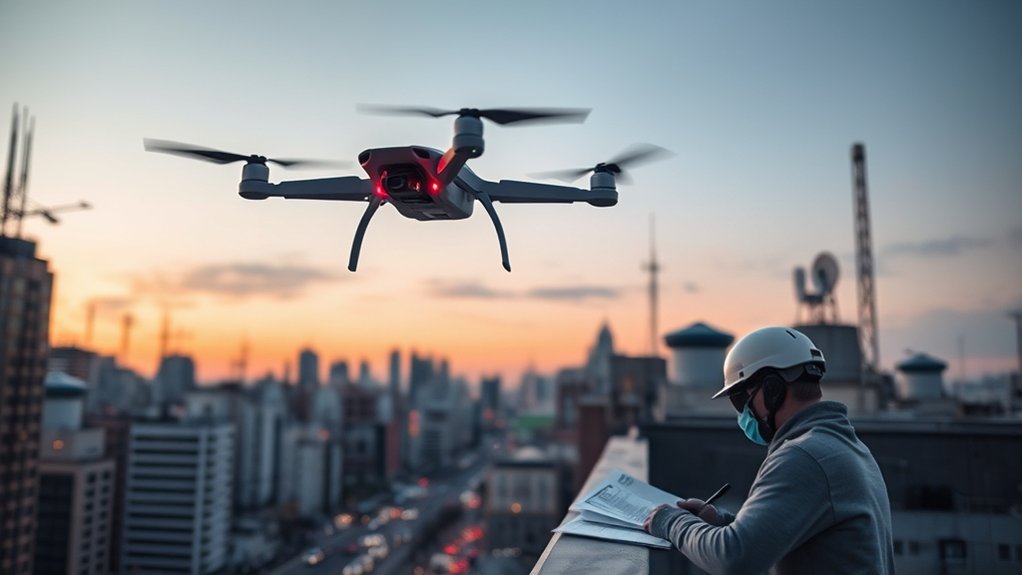
Pre-flight checks and maintenance are essential for reliable drone operation, especially in urban environments where GPS reliability can change quickly. A few minutes of inspection can prevent signal problems, battery surprises, and avoidable crashes.
Neglecting these practices can lead to performance issues and safety risks. Focus on these key elements:
- Inspect Physical Condition: Check the frame, arms, propellers, motors, landing gear, camera mount, gimbal, antennas, and battery contacts. Look for cracks, loose parts, or foreign objects that could affect flight.
- Clear the GPS Module and Antennas: Make sure the GPS module and antenna areas are free from stickers, debris, accessories, and damage. A blocked or damaged module can reduce signal accuracy and reliability.
- Update Firmware and Apps: Keep your drone firmware, controller firmware, batteries, and flight app updated when updates are stable and appropriate for your aircraft. Updates can improve performance, fix bugs, and refine safety features.
- Check Battery Health: Confirm full charge, proper seating, normal temperature, and no swelling or damage. Urban flights often require extra battery margin because landing options may be limited.
- Review Sensor Status: Check compass, IMU, obstacle sensors, vision sensors, and gimbal status before takeoff. Resolve warnings before flight.
- Verify Airspace and Local Rules: Check restrictions, permissions, temporary flight restrictions, airport zones, and local drone rules before you fly.
Do not rush the pre-flight process. Urban environments give you less room for error, so every check matters.
Related Guides
Frequently Asked Questions
How do you fix a weak GPS signal on a drone?
To fix a weak GPS signal, move to an open area with a clearer sky view, wait for a stable satellite lock, confirm the home point, inspect the GPS and antenna areas, remove nearby metal or magnetic interference, and update firmware when needed. If the signal weakens during flight, stop moving farther away and land safely.
What causes drone signal interference?
Drone signal interference can come from radio-frequency congestion, power lines, antennas, communication towers, reinforced concrete, metal structures, industrial equipment, physical obstructions, and crowded Wi-Fi environments. These factors can affect GPS reception, compass accuracy, control links, and live video transmission.
When a drone loses GPS signal, what modes can it switch to?
When a drone loses GPS signal, it may switch to ATTI mode, altitude hold, optical flow positioning, vision positioning, or failsafe behavior, depending on the model. These modes use different sensors and may not hold position as accurately as normal GPS-assisted flight.
What is electromagnetic interference in drones?
Electromagnetic interference in drones refers to disruptions caused by electromagnetic fields from electrical systems, metal structures, communication equipment, and other devices. It can affect compass readings, GPS reception, control signals, and navigation behavior.
Is it safe to fly a drone between tall buildings?
Flying between tall buildings is risky because buildings can block GPS, reflect satellite signals, weaken the controller link, and reduce emergency landing options. If you must fly in an urban area, choose open routes, keep the drone close, avoid automated modes in weak-signal areas, and land if warnings appear.
Can RTK GPS solve urban drone GPS problems?
RTK GPS can improve positioning accuracy when set up correctly, but it does not solve every urban flight problem. Tall buildings, blocked sky view, reflected signals, poor base-station setup, and interference can still affect performance. Treat RTK as a helpful tool, not a safety guarantee.
Conclusion
In urban drone flying, managing GPS multipath effects, blocked satellite signals, and electromagnetic interference is a major part of safe operation. Cities can make drones drift, misread their position, lose connection, or react unpredictably if you rely too heavily on automation.
You can reduce risk by launching from open areas, checking GPS and compass status, planning clear flight paths, practicing manual control, and completing thorough pre-flight checks. Regular maintenance also helps your drone perform better when the environment becomes challenging.
Stay proactive, respect local rules, and treat every urban flight as a higher-risk mission. With smart planning and careful control, your drone flights can remain safer, smoother, and more reliable.

