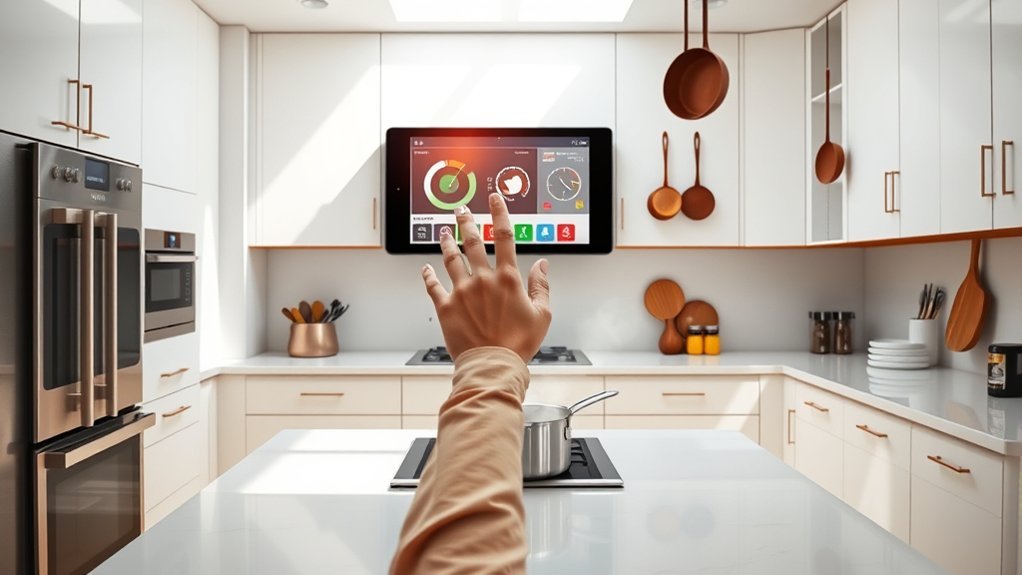
Kitchen monitors are essential in modern culinary operations, enhancing efficiency and accuracy in order management. They minimize miscommunication, leading to improved customer satisfaction. Key considerations include screen size, durability, and interaction methods, influencing the choice between tablets and commercial-grade monitors. Environmental factors such as temperature and grease resistance also play a significant role in performance. For those interested in exploring the best models and how to optimize their kitchen setup, valuable insights await further discussion.
The Importance of Kitchen Monitors in Modern Cooking
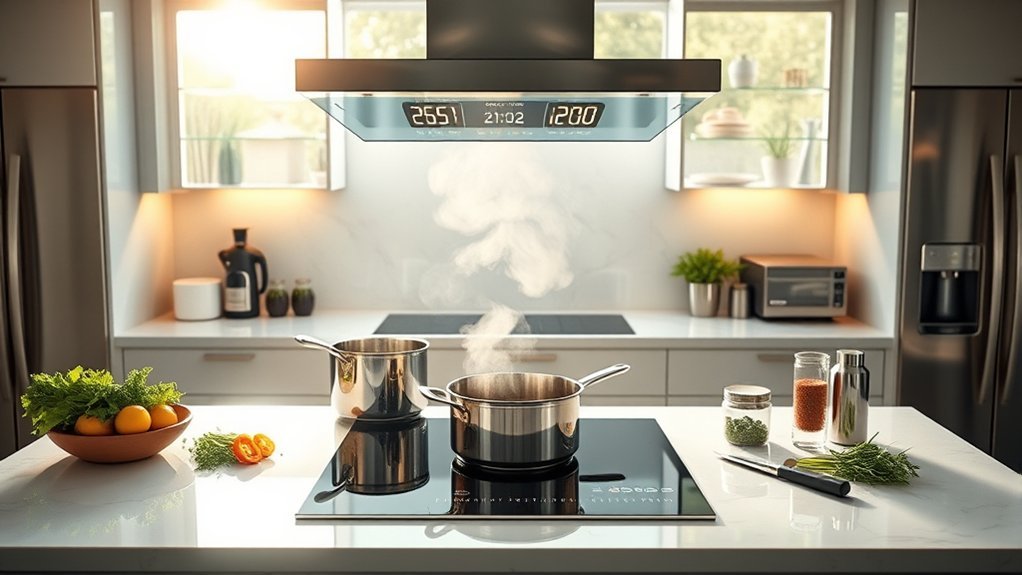
Kitchen monitors have revolutionized the way modern kitchens operate, streamlining communication between front-of-house and kitchen staff. Essential to kitchen display systems (KDS), these monitors provide real-time order updates, greatly enhancing order accuracy. By clearly displaying order details and modifications, they minimize miscommunication, fostering higher customer satisfaction.
Designed for the rigors of a commercial kitchen, these durable monitors can withstand heat, grease, and humidity, ensuring longevity in bustling environments. Larger touchscreen models allow simultaneous display of multiple orders, which is crucial for medium to high-volume operations where kitchen efficiency is paramount.
Moreover, the integration of kitchen monitors with POS systems facilitates real-time tracking of order progress, empowering kitchen staff to manage workflows effectively. This technological advancement not only boosts productivity but also liberates culinary teams, enabling them to focus on delivering exceptional dining experiences.
Key Factors for Choosing the Best Kitchen Monitor
Selecting the right kitchen monitor is fundamental for optimizing workflow and enhancing operational efficiency in any food service establishment. Key factors include screen size, durability, interaction method, and visibility.
A larger screen size, typically between 15-22 inches, can display more ticket details simultaneously, which is crucial for medium to high-volume operations. Durability is important, as commercial-grade monitors withstand heat, humidity, and grease, outperforming consumer tablets in demanding environments.
The interaction method also matters; touchscreen monitors facilitate direct engagement, while bump bars provide tactile feedback, especially useful when staff have wet or gloved hands.
Additionally, high visibility and brightness are vital to guarantee the monitor is easily readable under various kitchen lighting conditions. By considering these factors, establishments can select a kitchen monitor that enhances efficiency, reliability, and overall productivity.
Should You Choose a Tablet or Touchscreen Monitor?
When deciding between a tablet and a touchscreen monitor for kitchen operations, several critical factors come into play. Tablets, typically ranging from 10 to 13 inches, are ideal for small kitchens or quick service operations, with a lower upfront cost of $300-$500 per station.
Choosing between a tablet and a touchscreen monitor involves key factors, including size, cost, and kitchen operations.
In contrast, touchscreen monitors offer larger displays (15 to 22 inches or more) designed for continuous operation in medium to high-volume kitchens, costing between $600-$1,200 per station.
Durability is paramount; commercial-grade monitors withstand heat, humidity, and grease better than consumer tablets, which often require protective cases.
The choice hinges on kitchen layout, order complexity, and staff interaction preferences. Touchscreens may struggle with wet or gloved hands, making tablets a flexible option for less demanding environments.
Ultimately, understanding these factors helps in selecting the right device to enhance kitchen efficiency and workflow.
Benefits of Monitor + Bump Bar Setups
Monitor + Bump Bar setups offer significant advantages for kitchen operations, enhancing order management and increasing efficiency.
Their durable design guarantees longevity, making them ideal for the demanding environment of a high-volume kitchen.
Enhanced Order Management
In high-volume kitchens, the Monitor + Bump Bar setup greatly enhances order management by streamlining the workflow. This configuration utilizes a kitchen display system (KDS) that displays multiple order details simultaneously, allowing staff to track and manage tickets efficiently.
Priced between $500-$900 per station, it serves as an affordable yet effective alternative to touchscreen monitors. The bump bar provides tactile feedback, enabling quick marking of fulfilled orders, which is essential during peak hours.
Designed to withstand spills, heat, and grease, these monitors guarantee durability and long-term reliability, thereby supporting seamless kitchen operations. By minimizing time spent maneuvering through digital interfaces, this setup empowers kitchen teams to focus on delivering exceptional service.
Increased Efficiency and Speed
As kitchens aim for ideal performance, the implementation of a Monitor + Bump Bar setup greatly enhances efficiency and speed.
This innovative kitchen display system streamlines order processing, allowing staff to manage orders swiftly without the hindrance of touchscreens, particularly in high-volume environments.
- Increased order throughput by up to 20%
- Tactile bump bar feedback for seamless workflow
- Rapid navigation reduces service delays
- Optimized for challenging kitchen conditions
Improved Durability and Longevity
The durability and longevity of kitchen display systems play a significant role in maintaining operational efficiency.
Monitor and bump bar setups are specifically designed for harsh kitchen environments, with commercial-grade monitors that can withstand heat, humidity, and grease exposure. This robust combination not only reduces wear on touchscreens but also prolongs the lifespan of the display.
Typically featuring IP-54 ratings, these systems protect against dust and moisture, essential for busy kitchens. Additionally, they offer lower replacement costs compared to tablet-based systems, making them a cost-effective option for high-volume operations.
The tactile feedback from bump bars enhances staff efficiency and accuracy, allowing for quicker order management without risking screen damage. Consequently, they epitomize reliability and performance in culinary settings.
How Kitchen Environment Impacts Monitor Performance
The kitchen environment presents unique challenges that greatly impact monitor performance.
Factors such as heat resistance, humidity considerations, and protection against grease and dirt are essential for ensuring the longevity and reliability of kitchen displays.
Understanding these elements helps in selecting the right equipment tailored to withstand the demanding conditions of a bustling kitchen.
Heat Resistance Capability
While kitchen environments can be harsh, exposing monitors to extreme heat and humidity, the right design features can greatly enhance their performance and longevity. Monitors tailored for commercial kitchens often boast superior heat resistance capability, ensuring reliability in high-heat settings.
Key attributes include:
- Operating temperature range of -10° to 60°C
- IP-54 rating for moisture and grease protection
- Touchscreen designs capable of continuous operation
- Fanless cooling systems for reduced noise and overheating
These durable designs not only withstand demanding conditions but also promote efficiency and productivity.
2. Humidity Impact Considerations
Kitchen monitors face considerable challenges from high humidity levels that can lead to condensation and electrical failures if not properly safeguarded.
In the bustling environment of a kitchen, moisture can greatly impact the performance of kitchen display systems (KDS), making it essential to choose commercial-grade monitors designed for such conditions.
Monitors with an IP-54 rating provide necessary resistance to both moisture and grease, ensuring reliability.
Additionally, the operating temperature range for these monitors, such as those from Oracle, spans from -10° to 60°C, accommodating fluctuating kitchen climates.
Adopting a fanless cooling design further mitigates humidity-related issues, enhancing both performance and durability while reducing operational noise.
3. Grease and Dirt Protection
Maintaining ideal performance in commercial kitchen environments requires careful attention to grease and dirt protection for monitors. Exposure to extreme conditions can severely impact longevity and functionality.
Commercial-grade monitors, equipped with protective features like IP-54 ratings, are essential for resisting humidity and grease, ensuring consistent operation.
- Grease buildup can obstruct visibility, leading to errors.
- Touchscreen functionality may falter under wet or greasy conditions.
- Regular maintenance is vital to prevent performance decline.
- Protective casings offer some defense but are less effective than dedicated monitors.
Investing in quality monitors and adhering to a strict cleaning regimen will enhance their resilience, ensuring they thrive amidst the rigors of a bustling kitchen environment.
Evaluating Screen Size and Visibility for Your Kitchen
How can one guarantee ideal screen size and visibility in a bustling kitchen environment? The selection of a kitchen display system (KDS) is pivotal. Optimal screen sizes typically range from 10 to 22 inches, tailored to the kitchen layout and order complexity. Larger touchscreen monitors enhance visibility, accommodating multiple tickets in medium to high-volume settings.
Consider the following factors when evaluating screen size and visibility:
| Factor | Recommendation |
|---|---|
| Screen Size | 10-22 inches depending on distance |
| Brightness | High brightness for legibility |
| Monitor Type | Touchscreen for better access |
| Environmental Impact | Guarantee durability against heat and humidity |
Strategically positioning displays based on staff proximity guarantees clarity, promoting efficiency and reducing errors. Therefore, thoughtful consideration of screen size and visibility can greatly elevate kitchen operations.
Cost Considerations for Home vs. Commercial Kitchen Monitors
Selecting the right display system is not only about size and visibility but also involves a careful evaluation of costs, particularly when comparing home and commercial kitchen monitors. Home kitchen monitors typically range from $100 to $600, while commercial-grade monitors can cost between $600 and $1,200.
- Durability: Commercial monitors endure heat and humidity, unlike consumer-grade models.
- Initial Investment Costs: Higher upfront costs for commercial monitors can yield savings through longevity.
- Operational Efficiency: The right monitor enhances staff productivity in busy kitchens.
- Versatility: Tablets suit small kitchens, while larger screens are ideal for high-volume operations.
While commercial monitors require a greater initial investment, their reliability and lifespan can justify the cost, ultimately supporting smoother operations in demanding environments.
Top Kitchen Monitor Models to Consider
When outfitting a kitchen with the right monitor, options abound, each tailored to specific needs and environments. Selecting the ideal kitchen display system (KDS) is pivotal for enhancing order management and efficiency. Here are some top models to take into account:
| Model | Features | Best Use |
|---|---|---|
| Oracle Express Station 400 | 24-inch display, -10° to 60°C | Fine dining & quick-service |
| Commercial-grade touchscreen | 15-22 inches, high visibility | Medium to high-volume |
| Tablets | 10-13 inches, affordable ($300-$500) | Small kitchens or mobile |
| Monitor + bump bar setups | Durable, $500-$900, easy navigation | High-volume kitchens |
| IP-54 rated monitors | Humidity and grease resistant | Challenging environments |
These models incorporate key durability features and guarantee that kitchens can manage multiple orders simultaneously, providing freedom and efficiency in food service operations.
Frequently Asked Questions
What Is the Best Kitchen Display System?
The best kitchen display system enhances restaurant efficiency through advanced kitchen technology trends. Featuring customizable display screen features, it optimizes kitchen workflow and communication, ensuring accurate order tracking and streamlined operations for improved service and productivity.
What Is a KDS Screen Used for in a Kitchen?
A KDS screen enhances kitchen efficiency by displaying real-time orders, improving order accuracy through clear communication. Its technology integration fosters better staff communication, enabling seamless coordination and timely food preparation in fast-paced environments.
How Much Does a KDS Typically Cost?
A KDS typically costs between $300 and $1,200, reflecting its features and installation needs. Investing in this system enhances kitchen efficiency and support, while ongoing maintenance guarantees its seamless operation and maximized benefits.
How Do KDS Work?
KDS enhances order management by electronically displaying real-time orders, improving kitchen efficiency. Menu integration allows seamless updates, while effective staff training guarantees accuracy in preparation, ultimately fostering a liberated, responsive dining experience for customers.
Conclusion
To summarize, kitchen monitors play an essential role in enhancing efficiency and organization in culinary spaces. With 60% of professional chefs reporting improved workflow due to digital displays, the impact is clear. Whether one opts for a tablet or a touchscreen monitor, the right choice can streamline operations notably. As kitchens evolve, investing in the best technology not only boosts productivity but also elevates the overall cooking experience, making it a worthy consideration for both home and commercial settings.
