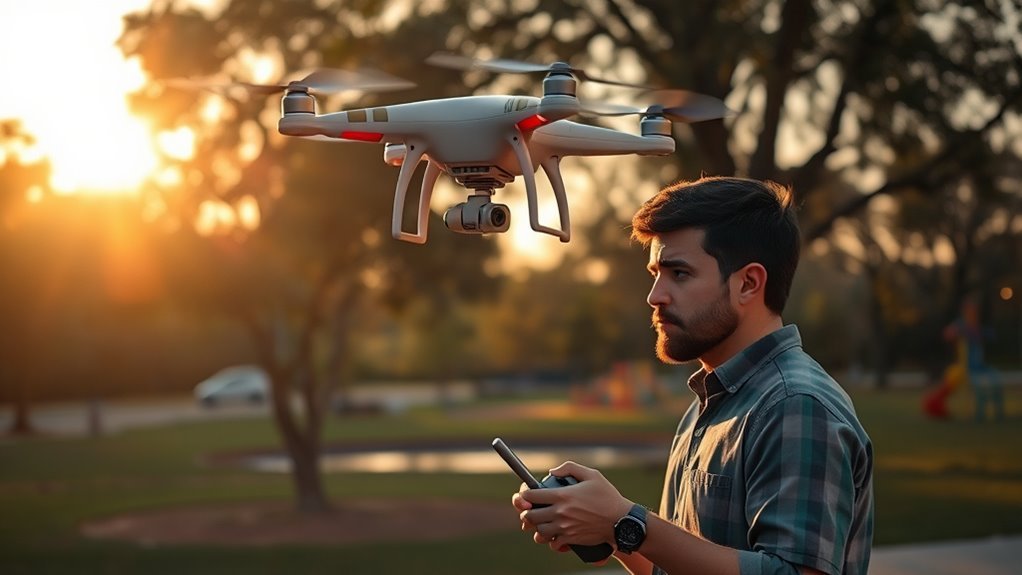
When a drone disconnects mid-flight, the outcome depends on its fail-safe settings, battery state, and last known position. In most cases, the aircraft will trigger Return to Home and attempt to recover automatically, but that is not guaranteed. A remote reboot, closer positioning, or manual recovery may still be required. The critical question is whether the system is configured to respond correctly before the signal loss becomes a problem.
Why Drones Disconnect Mid-Flight
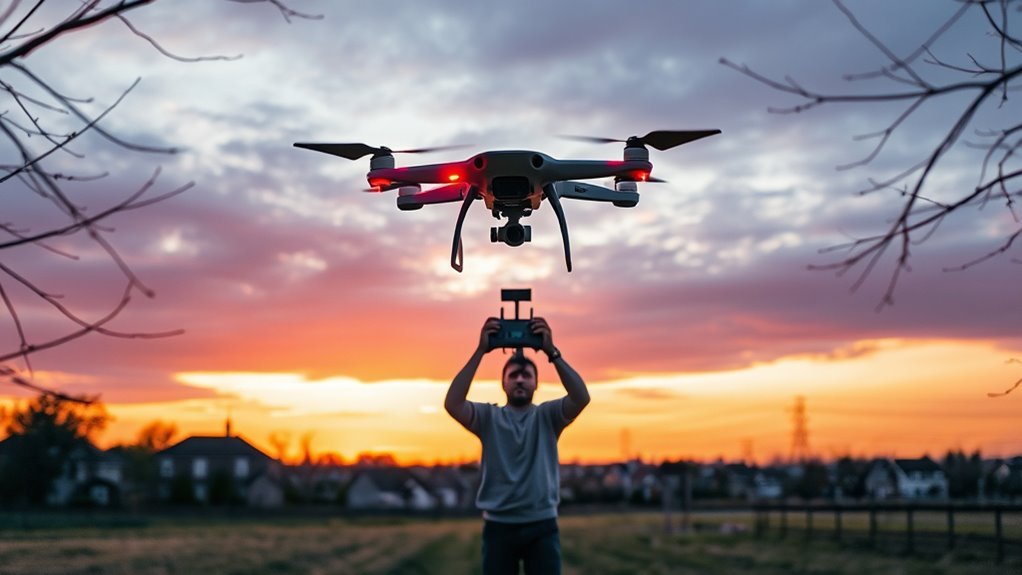
Drones may disconnect mid-flight when the communication link between the aircraft and controller is interrupted by physical obstructions such as buildings, trees, or hills. These signal obstructions can weaken transmission enough to cause a loss of command authority, especially when wet trees or dense terrain absorb additional energy.
Software crashes also interrupt flight control, which is why routine firmware updates and preflight checks remain necessary for stability. Range limitations further increase risk when the drone operates near the edge of its rated distance, particularly in areas crowded by radio traffic similar to congested mobile networks.
Antenna orientation matters as well; even small changes during maneuvering can degrade reception if line of sight is not maintained. For users seeking freer flight, the procedural priority is clear: reduce barriers, verify system health, and operate within dependable signal margins.
What RTH Does After Signal Loss
When the control link drops, the aircraft’s Return to Home (RTH) function engages automatically and directs the drone toward its last recorded home point.
During signal loss, this sequence may pause briefly before activation, so the aircraft should be operated with a clear visual line of sight whenever possible.
RTH can be configured to climb to a preset altitude, helping the craft clear obstacles on the return path.
RTH can climb to a preset altitude, helping the craft clear obstacles on the return path.
If the remote control remains available, the operator may also trigger RTH manually, preserving a controlled return rather than relying on drift.
Once the link is restored, the RTH routine can be canceled and manual control resumed, allowing the pilot to reassert precise command.
In practice, RTH functions as a safety pathway: it reduces uncertainty after signal loss and supports orderly recovery without surrendering operational freedom.
What to Do If Your Drone Won’t Reconnect
If the drone fails to reconnect, the operator should first reboot the remote controller, since this often restores the link.
If the drone won’t reconnect after that, the operator should maintain calm and follow the established disconnection protocol rather than improvising. A careful check of cables attached to the remote controller is warranted; unplugging and replugging them may clear transient stability faults.
The operator may then move closer to the aircraft, but only while preserving visual line of sight, which is essential for safe assessment and controlled action.
During this period, the Return to Home function should be assumed available if signal loss persists, even when the video feed is absent. That feature may activate automatically, reducing exposure to unnecessary intervention.
The objective is disciplined recovery, not panic. Clear procedure preserves autonomy, protects equipment, and supports a safe return to normal control.
RTH Settings to Prevent Crashes
After a disconnection, safe recovery depends heavily on properly configured Return to Home behavior. The pilot should review RTH settings before every launch and set the RTH altitude above trees, buildings, and other hazards to prevent crashes.
In the DJI Pilot app, these controls are found in the safety section, where automatic return can also be confirmed for critically low battery states. That configuration supports orderly recovery without requiring constant control.
Because RTH will return to the home point at the assigned altitude and will not alter direction mid-route, the planned flight path must remain clear. Familiarity with RTH procedures before takeoff shortens response time when a link drops.
RTH returns at its set altitude and follows its path unchanged, so keep the route clear.
Regular testing in open areas helps verify the sequence, build confidence, and reveal configuration errors before they matter. For operators seeking autonomy, disciplined setup preserves control when the aircraft momentarily leaves command.
How Battery Loss Affects Recovery
Battery loss directly affects recovery by triggering Return to Home at roughly 14 to 15 percent, provided sufficient reserve remains.
If power drops further before RTH engages or the controller link is lost, the aircraft may hover briefly or lose the ability to return safely.
Recovery then depends on selecting the safest available landing option while maintaining awareness of obstacles and remaining battery state.
Low Battery RTH Trigger
As the battery level falls to roughly 14–15 percent, the drone automatically initiates Return to Home (RTH) to reduce the risk of a forced landing and to preserve recovery options. This low battery behavior is consistent across DJI models and should be anticipated, not resisted. The pilot should confirm a clear route and a safe landing area.
| Check | Action | Outcome |
|---|---|---|
| Battery | Monitor percent | Early warning |
| Altitude | Set above obstacles | Safer transit |
| RTH | Verify activation | Autonomous return |
| App | Do not rely on it | Continuity |
| Landing | Prepare zone | Safe landing |
A higher RTH altitude improves clearance. Even if the app crashes, the drone keeps trying to return home. Familiarity with this sequence reduces panic and preserves control.
Controller Power Loss
When the remote controller battery depletes mid-flight, the drone will typically hover in place until the automatic Return to Home (RTH) sequence engages.
During controller power loss, the aircraft does not immediately abandon control; the link can persist long enough for recovery logic to activate, even if the phone has shut off.
Low battery warnings usually appear near 14-15 percent, signaling the system to initiate Return to Home (RTH) before total exhaustion occurs.
A higher RTH altitude should be configured in advance so the drone can clear obstacles on the way back.
Familiarity with RTH protocols reduces panic and supports deliberate, autonomous recovery.
In practice, the operator’s role is to verify settings, preserve connection if possible, and allow the programmed return to proceed without interference.
Safe Landing Choices
Once battery levels fall to approximately 14–15 percent, the aircraft typically initiates Return to Home (RTH) to reach a safe landing before power is fully exhausted.
Operators should verify RTH altitude before takeoff; it must clear trees, wires, and buildings.
- Monitor battery on drone and remote continuously.
- Expect app crashes to leave the aircraft hovering if the link remains intact.
- Use that hover window for manual recovery or RTH.
- Review RTH settings before flight to reduce panic.
- Favor a controlled safe landing over extended exposure.
This procedure preserves autonomy: the machine can still return, descend, and settle without unnecessary intervention, provided settings are correct and battery loss is managed early.
How App Crashes Change Drone Control
An app crash mid-flight typically reduces control to the hardware link rather than eliminating it, so the drone may continue hovering if the remote controller remains connected. In that state, app crashing does not automatically sever command authority; it mainly removes the screen-based interface and video feed.
A prepared operator should verify that the home point was recorded before takeoff, because a valid home point supports Return to Home (RTH) if battery reserves become critically low. If the app closes unexpectedly, restarting it may restore telemetry and live view, allowing control to resume through the linked controller.
When the aircraft is already airborne, the system may trigger RTH on its own at low battery. Clear recognition of the crash event, and immediate confirmation of link status, helps prevent confusion. Such procedure preserves autonomy, keeps movement purposeful, and protects the craft with minimal delay.
How to Prevent Drone Disconnects Next Time
Preventing a drone disconnect on the next flight starts with preflight checks of power, firmware, and flight environment. To prevent drone disconnects, the operator should treat each launch as a controlled procedure, not a gamble. Full batteries in both drone and controller reduce abrupt shutdown risk. Updated software lowers exposure to faults that can sever links in flight.
Preflight checks of power, firmware, and flight conditions help prevent disconnects and keep every launch controlled.
- Verify charge levels before armament.
- Review RTH settings and set altitude above obstacles.
- Scan for signal obstructions such as buildings, trees, and hills.
- Maintain clear visual line of sight throughout the mission.
- Update firmware and app before departure.
These measures preserve autonomy when control weakens and support a safer return home. A disciplined route, open terrain, and cautious altitude choices give the pilot more freedom by reducing dependency on a fragile signal.
When conditions are uncertain, delay the flight rather than accept preventable loss.
Frequently Asked Questions
What Happens if a Drone Loses Connection?
When a drone loses connection, it usually initiates Return to Home if enabled, or hovers until control resumes.
Signal loss consequences depend on range, obstacles, and interference, so a cautious operator checks altitude and surroundings immediately.
If video drops but control remains, re-establishing connection may still be possible.
Safe drone recovery techniques include verifying RTH settings, avoiding obstructions, and monitoring the aircraft until contact or landing is restored.
What Is the 1:1 Rule for Drones?
The 1:1 rule for drones requires maintaining visual line of sight, with the drone kept within a distance roughly equal to the operator’s position from the aircraft. This supports drone regulations, limits signal interference, and improves flight safety.
It enables faster recognition of hazards, battery alerts, or loss of control. Compliance is procedural, cautious, and essential for operators seeking responsible autonomy while preserving freedom through informed, lawful flight practices.
How to Block a Drone Signal?
Blocking a drone signal means jamming, shielding, or obstructing; jamming, however, is usually illegal.
Signal jamming techniques can interrupt radio links, but legal implications may include fines or criminal charges.
Physical barriers, terrain, and weather can also reduce control range without interference.
For legitimate use, drone recovery methods should focus on returning the aircraft safely, documenting the event, and consulting local regulations before any action.
Can FAA Know You Flew a DJI Drone?
Yes, the FAA can often determine that a DJI drone was flown, especially when drone regulations are violated.
DJI systems may store GPS logs, timestamps, and flight telemetry that can support an investigation. Registration records and real-time tracking can further narrow remote piloting responsibility.
For flight safety, operators should assume traceability, review local rules, and keep records compliant. Disabling identification is not a reliable path to liberation from enforcement.
Conclusion
In conclusion, a mid-flight disconnect typically prompts Return to Home, guiding the aircraft toward its recorded home point while preserving the last safe control logic. If the link persists intermittently, the operator should remain alert, verify line of sight, reboot the controller, and, when appropriate, move closer to the aircraft. Proper RTH configuration, battery monitoring, and preflight checks reduce failure risk. Even in this modern drama, disciplined procedure remains the most reliable safeguard.
