Last updated: September 22, 2026
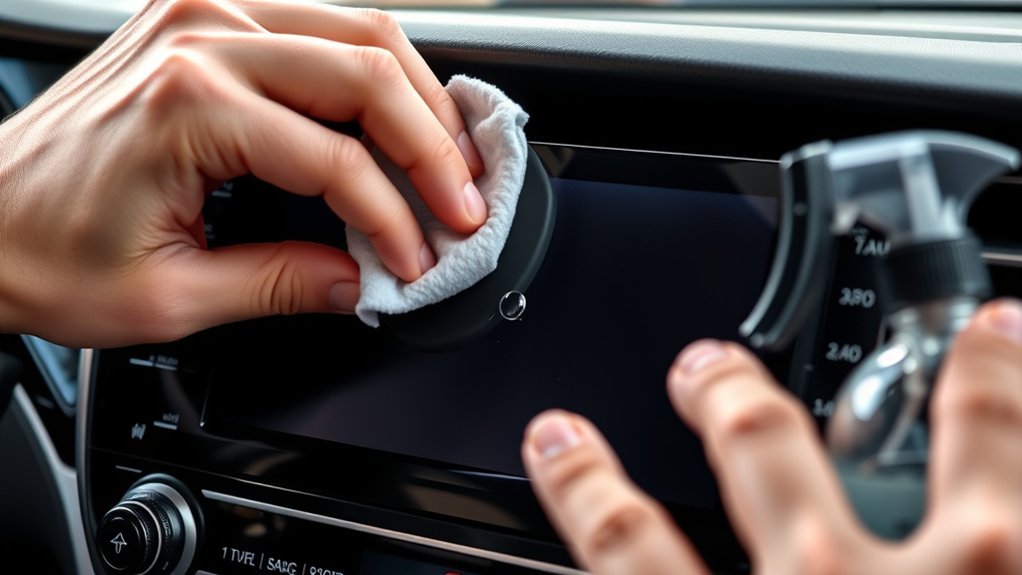
To clean a Toyota Camry touchscreen safely, start with the least aggressive method: park the vehicle, avoid operating the display while driving, and gently wipe the screen with a clean glasses-cleaning cloth or similarly soft microfiber cloth. Toyota’s 2025 Camry Hybrid multimedia manual specifically warns against forceful wiping, hard cloths, benzine, and alkaline solutions. Do not add water, alcohol, vinegar, glass cleaner, disinfecting wipes, or another cleaning product unless the instructions for your exact Camry multimedia system specifically permit it.
Quick Answer
Park the Camry and let a hot display cool before cleaning. Use a clean glasses-cleaning cloth or similarly soft microfiber cloth and wipe with light pressure. Do not spray the screen or assume that water, alcohol, vinegar, household glass cleaner, or disinfecting wipes are safe for every Camry multimedia system. Check the instructions for your exact model year before using any liquid or chemical cleaner.
Key Takeaways
- Use a clean glasses-cleaning cloth or similarly soft microfiber cloth and begin with a dry wipe.
- Do not introduce water or cleaner unless the instructions for your exact Camry multimedia unit allow it.
- Do not assume that household glass cleaner, vinegar, alcohol, or disinfecting wipes are safe for the display.
- Toyota’s 2025 Camry multimedia manual warns against forceful wiping, hard cloths, benzine, and alkaline solutions.
- Persistent dead zones, ghost touches, cracks, or discoloration require troubleshooting or service, not harder scrubbing.
At a Glance
| Time Required | 5–10 minutes |
| Difficulty | Easy |
| Tools Needed | Two clean glasses-cleaning or similarly soft microfiber cloths; your model-year multimedia manual |
| Extra Purchase | Usually none if you already have a clean, soft screen cloth |
How to Clean Your Toyota Camry Touchscreen Effectively
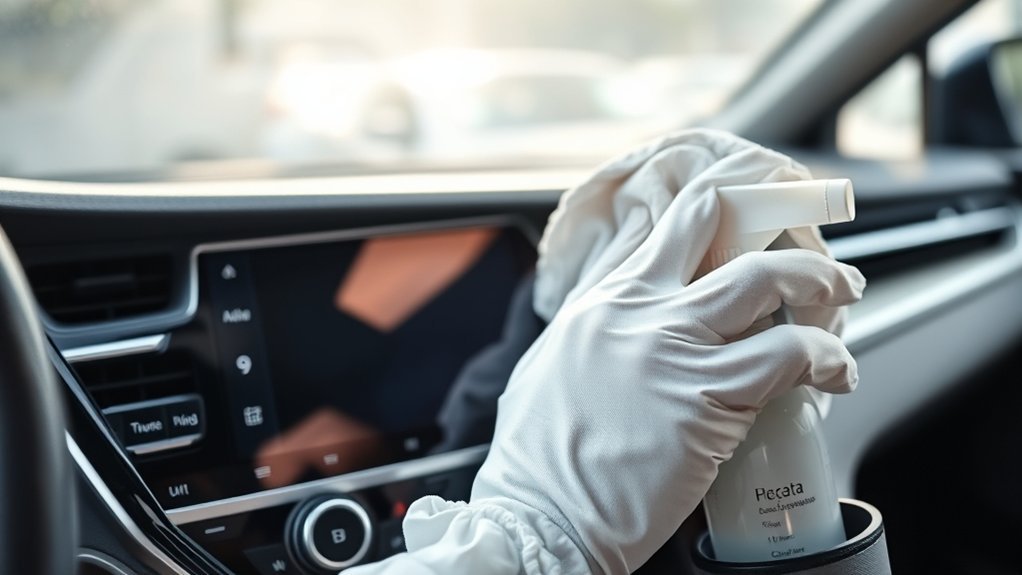
Before cleaning, look up the instructions for your Camry’s exact year and multimedia system through the official Toyota manuals and warranties page. Multimedia hardware and care instructions can differ by model year, so the applicable Toyota manual should take priority over a generic cleaner label or detailing tip.
Source Method: Toyota’s official 2025 Camry Hybrid multimedia manual says to gently clean the display with a glasses-cleaning cloth or similarly soft cloth. It warns that forceful contact or a hard cloth can scratch the screen and says not to use benzine or an alkaline solution. The same manual lists dirt, water, and a plastic film or coating among conditions that can interfere with touch response. For another model year, use the instructions for that exact multimedia unit.
What Should You Use on a Toyota Camry Touchscreen?
- One clean glasses-cleaning cloth or similarly soft microfiber cloth for lifting dust and fingerprints
- A second clean, soft cloth for a final dry pass if needed
- Your Camry’s model-year multimedia manual to confirm whether anything beyond a dry soft cloth is permitted
- Water or a cleaning product only when specifically allowed by the instructions for your exact multimedia system
A dirty or previously used cloth may contain grit, polish, dashboard dressing, wax, or cleaner residue. Keep one or two cloths reserved for screens rather than using the same towels on windows, dashboard trim, or exterior paint.
Which Cleaning Method Should You Use?
| Screen Condition | Safest Starting Action | When to Stop |
|---|---|---|
| Loose dust or light fingerprints | Gently wipe with a clean, dry glasses-cleaning or similarly soft microfiber cloth | Stop as soon as the surface is clean |
| A mark remains after dry wiping | Check the exact multimedia manual before adding moisture or cleaner | Do not improvise with household chemicals |
| Liquid reached the bezel or a control | Leave the system off and blot visible liquid without pushing it into a seam | Seek service if liquid may have entered the assembly |
| Dead zone, ghost touch, or repeated missed taps | Clean and dry the display, then inspect for touch interference | Troubleshoot rather than increasing pressure |
Step-by-Step Cleaning Instructions
- Park before touching the display. Do not clean or troubleshoot the multimedia screen while driving. Work in shade when practical, and allow a hot screen to cool before prolonged contact.
- Check for obvious damage. Do not add liquid or pressure to a screen that is cracked, lifting, bubbling, delaminating, or showing signs of internal moisture. Arrange an inspection instead.
- Remove loose dust first. Gently wipe the screen with a clean glasses-cleaning cloth or similarly soft microfiber cloth. Use light passes rather than pressing or scrubbing.
- Inspect the screen. If the fingerprints or marks are gone, stop. More cleaning is not automatically better.
- Check the manual before adding moisture. If a mark remains, confirm what the instructions for your exact Camry multimedia system permit. Do not assume that water or a chemical cleaner is universally approved.
- If the applicable instructions permit a damp-cleaning method, follow them exactly. Put any permitted liquid on the cloth rather than spraying the display, use the minimum amount required, and keep it away from edges, seams, buttons, vents, and ports.
- Finish gently. Use a clean, dry soft cloth to remove any permitted moisture or residue before operating the system again.
Warning: Never spray water or cleaner directly onto the touchscreen. Liquid can run behind the bezel or into nearby controls, where wiping the visible surface will not remove it.
Pro Tip: Fold the microfiber cloth into quarters. Use one clean face for the first pass, turn to a fresh face when it becomes oily, and use a separate clean cloth for the final pass.
Can You Use Alcohol, Windex, or Vinegar on a Camry Touchscreen?
Do not treat any chemical cleaner as universally safe for a Toyota Camry touchscreen. Multimedia systems and display surfaces vary, and Toyota instructions can be more restrictive than the directions for a generic electronics cleaner.
The safest default is a clean, soft screen cloth. Add liquid or cleaner only when the instructions for your exact multimedia unit allow it.
- Do not assume household window or glass cleaner is safe. A “glass-cleaning cloth” means a soft lens or display cloth; it does not mean household glass-cleaning liquid.
- Do not assume alcohol is safe. Alcohol compatibility depends on the display and its coating. Use it only when the instructions for the exact Toyota multimedia system expressly permit it.
- Do not use vinegar as a universal recipe. A Toyota-wide recommendation for an equal-parts vinegar mixture could not be verified, so avoid it unless the applicable Toyota instructions specifically allow it.
- Do not use benzine or an alkaline solution on the 2025 Camry multimedia display. Toyota specifically warns that these can damage the screen.
- Avoid bleach, hydrogen peroxide, acetone, paint thinner, aerosol cleaner, polish, wax, and dashboard dressing unless the exact display instructions expressly permit a product.
- Never apply cleaner directly to the screen. If a permitted cleaning method requires liquid, put a controlled amount on the cloth.
- Do not use abrasive pads, stiff brushes, dirty shop towels, or other hard materials.
- Do not scrub or press hard. Toyota warns that forceful contact or a hard cloth can scratch the display.
- Do not clean or test the screen while driving. Finish cleaning and troubleshooting while safely parked.
Why Cleaning Your Toyota Camry Touchscreen Matters
Fingerprints, skin oils, dust, and dried droplets can increase glare and make information harder to read. Surface contamination can also affect touch operation. Toyota’s 2025 Camry multimedia manual specifically lists dirt or water on the screen among conditions in which screen buttons may not respond or may malfunction.
Cleaning has limits. It will not repair failed touch sensors, dead pixels, cracks, internal moisture, software faults, delamination, or damaged wiring. Avoid repeatedly rubbing an area that remains unresponsive after the display is clean and dry.
For safety, clean and troubleshoot the display only while parked. The National Highway Traffic Safety Administration identifies interacting with entertainment and navigation systems as a potential driving distraction.
Best Practices for Keeping Your Toyota Camry Touchscreen Clear and Functional
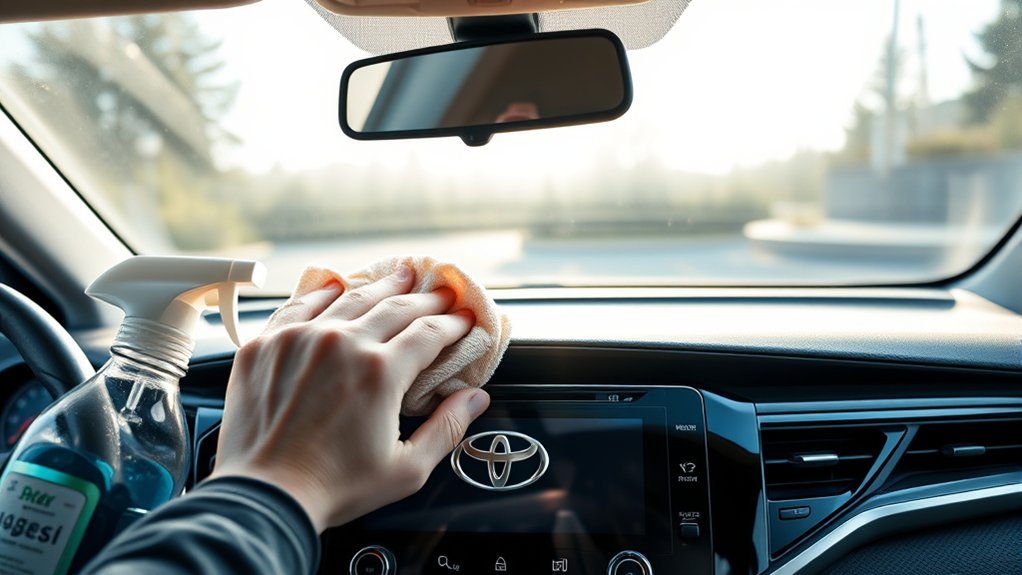
Routine touchscreen care does not require a strict cleaning calendar. Clean the display when fingerprints, dust, glare, or visible residue begin to affect normal use. A light dry wipe with a clean, soft cloth is preferable to unnecessarily introducing moisture or cleaner.
- Keep one or two clean glasses-cleaning or similarly soft microfiber cloths in a sealed bag or clean compartment.
- Wash reusable screen cloths without wax or oily detailing products and let them dry fully before reuse.
- Touch the display with clean, dry fingers whenever practical.
- Use separate cloths and products for the dashboard, bezel, glossy trim, and glass. A product that is safe for another interior surface is not automatically safe for the touchscreen.
- Do not let liquid collect along the bottom edge or around physical buttons.
- Clean more often after dusty travel, frequent passenger use, food spills, or heavy fingerprint buildup, but avoid unnecessary repeated wiping.
Note: If an aftermarket screen protector is installed, follow its manufacturer’s cleaning instructions as well as Toyota’s guidance. Toyota’s 2025 Camry multimedia manual lists a plastic film or coating among conditions that can cause screen buttons to respond incorrectly. That does not mean every protector will cause a problem, but a lifting, wet, damaged, or poorly fitted protector should be considered if touch response changes.
Cleaning the Dashboard Around the Screen
Do not automatically use the touchscreen method on every dashboard surface. Soft-touch trim, vinyl, leather, glossy plastic, wood-look trim, and physical controls may have different care requirements. Apply any approved interior product to a cloth rather than spraying near the display, and keep dashboard dressing away from the touchscreen.
Why Is the Camry Touchscreen Still Unresponsive After Cleaning?
Toyota’s 2025 Camry multimedia manual lists several conditions that can interfere with touch response, including dirt or water on the display, gloves, fingernail operation, another finger or palm touching the screen, and a plastic film or coating. If the screen is already clean and dry, troubleshoot those possibilities rather than pressing harder.
Streaks or Haze After Cleaning
Streaks may indicate contamination on the cloth or residue left by a previously used product. Start with a fresh, clean, dry soft cloth. Do not keep adding another chemical in an attempt to remove the first one unless the cleaner and the Camry multimedia instructions confirm compatibility.
The Screen Misses Taps
Make sure the screen and your fingers are clean and fully dry. Remove gloves and use a bare fingertip. If a screen protector is installed, inspect it for lifting edges, trapped moisture, bubbles, or pressure against the display.
If the problem remains, follow the broader checks in the Toyota Camry touchscreen not responding guide.
Ghost Touches or Random Inputs
Stop cleaning and make sure the display is completely dry. Check for moisture around the bezel and inspect any screen protector or film. If the display continues selecting items without being touched, treat the problem as a touchscreen fault rather than a cleaning problem.
An Area Remains Unresponsive
A persistent dead zone is unlikely to be fixed by harder wiping. Check whether the same location fails in multiple menus and whether a film or protector covers the affected area. If the screen remains unresponsive after those basic checks, use the model-specific restart procedure rather than guessing at a universal reset sequence.
See the separate guide on how to reset the Toyota Camry infotainment system for the distinction between a normal restart and more destructive reset options.
Liquid Reached an Edge or Control
Leave the system off and do not apply a hair dryer, heat gun, compressed air, or additional liquid. Blot visible moisture without pushing it farther into a seam. If liquid may have entered behind the display or nearby controls, seek professional service before continuing to operate the system.
The Screen Is Cracked, Bubbling, or Discolored
Cleaning cannot correct cracks, internal black spots, lifting layers, rainbow discoloration, or delamination. Avoid adding liquid or pressure and have the display inspected.
Related Guides
Frequently Asked Questions
How do I clean a Toyota Camry touchscreen safely?
Park the vehicle and gently wipe the display with a clean glasses-cleaning cloth or similarly soft microfiber cloth. Use light pressure. Do not introduce water or cleaner unless the instructions for your exact Camry multimedia system specifically permit it.
What can I use to clean my Toyota Camry touchscreen?
The safest default is a clean glasses-cleaning cloth or similarly soft microfiber cloth. Toyota’s 2025 Camry multimedia manual specifically recommends this type of soft cloth. Check the manual for your exact model year before adding any liquid or chemical product.
Can I use water on a Toyota Camry touchscreen?
Do not assume water is approved for every Camry multimedia system. Start with a dry soft cloth and use a damp-cleaning method only when the instructions for your exact multimedia unit permit it. Keep all liquid away from screen edges, seams, buttons, and ports.
Can I use alcohol or disinfecting wipes on a Toyota touchscreen?
Do not assume they are safe. Display materials and coatings vary. Use alcohol or a disinfecting wipe only when the instructions for the exact Toyota multimedia system expressly allow it. Otherwise, use a clean, dry soft cloth.
Can I use Windex or household glass cleaner on a Camry touchscreen?
Do not use household glass cleaner unless the instructions for your exact multimedia system specifically approve that product. Toyota references a glasses-cleaning or soft cloth for the 2025 Camry display; that describes the cloth, not household window-cleaning liquid.
Can I use vinegar to clean a Toyota Camry touchscreen?
A Toyota-wide recommendation for an equal-parts vinegar mixture could not be verified. Because multimedia displays and coatings vary, avoid vinegar unless the instructions for your exact Toyota system specifically approve it.
Why is my Toyota touchscreen still unresponsive after cleaning?
Confirm that the screen and your fingers are clean and dry, remove gloves, and inspect any plastic film or screen protector. Toyota identifies dirt, water, and a plastic film or coating among conditions that can interfere with touch response. If the same area still fails, follow the model-specific restart and troubleshooting procedure or arrange professional diagnosis.
Conclusion
To clean a Toyota Camry touchscreen safely, begin with a clean glasses-cleaning cloth or similarly soft microfiber cloth and use light pressure. Do not treat water, alcohol, vinegar, household glass cleaner, or another chemical as universally safe. Toyota’s 2025 Camry multimedia manual specifically warns against forceful wiping, hard cloths, benzine, and alkaline solutions. Check the instructions for your exact multimedia system before using anything beyond a dry soft cloth, and switch from cleaning to troubleshooting when a clean, dry screen still has dead zones, ghost touches, cracks, or discoloration.
Sources
- Toyota Manuals and Warranties — official model-year lookup for Toyota owner and multimedia instructions.
- Toyota 2025 Camry Hybrid Multimedia Owner’s Manual — official instructions covering touchscreen operation, soft-cloth cleaning, prohibited cleaning materials, and conditions that may interfere with touch response.
- National Highway Traffic Safety Administration: Distracted Driving — identifies interaction with entertainment and navigation systems as a potential driving distraction.

