
To reset Bluetooth on your Toyota RAV4, start by power cycling the head unit. Hold down the power button until the screen turns off, then wait for it to reboot. For persistent issues, you can perform a factory reset by cycling the push button twice, holding down the “Apps” button, and navigating to the reset menu. If problems continue, check for software updates or follow additional troubleshooting steps to improve your Bluetooth experience.
Quick Answer
- Quick fix: Power cycle the head unit by holding the power button until the screen turns off, then let it reboot.
- Factory reset: Cycle the push button twice (without starting the engine), hold “Apps” while cycling headlights three times, select “I am IT” and confirm reset.
- Note: Factory reset erases all saved data including audio settings, radio stations, and GPS addresses.
- Prevention: Keep software updated, manage paired devices regularly, and remove unused connections.
Quick Fix: Power Cycling the Head Unit
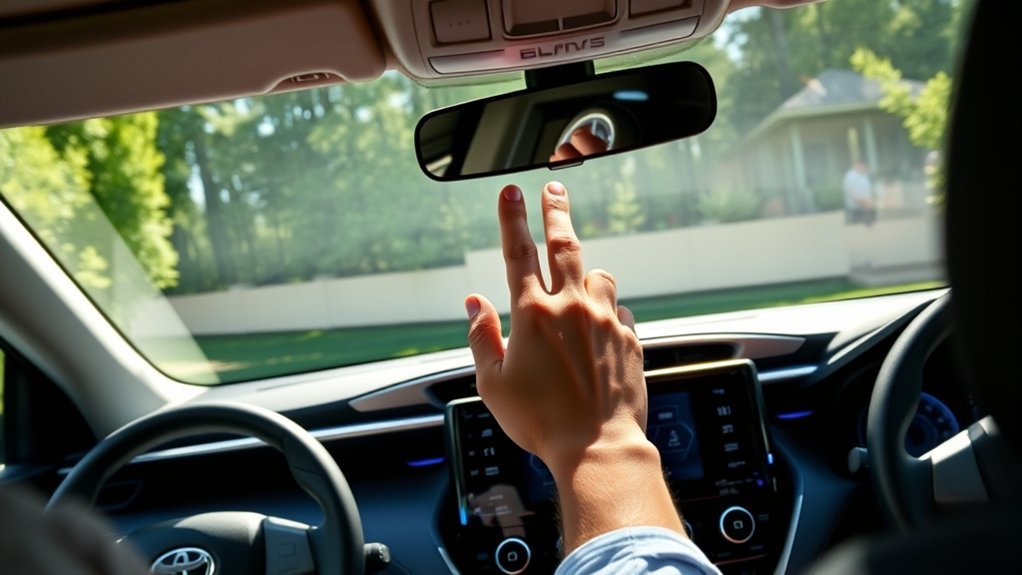
Power cycling the head unit is your first step to reset Bluetooth on your Toyota RAV4. Hold down the power button until the screen turns off, then release it.
Wait a moment for the screen to turn back on. This simple process often fixes minor connectivity issues like Bluetooth being grayed out or failing to connect. You can do this while your vehicle is in Park and running.
The best part? This method usually preserves your saved data, so you won’t lose your settings. If power cycling doesn’t restore Bluetooth functionality, you may need to try a factory reset.
Start with this basic fix. It can save you time and effort, letting you get back on the road without interruptions.
Understanding Bluetooth Issues in Your Toyota RAV4
You might encounter various Bluetooth issues in your Toyota RAV4 that disrupt audio playback or prevent device pairing.
Common problems include connection drops, audio playing through your phone instead of the car speakers, or persistent initialization errors. These issues are often caused by software glitches. After software updates or setting changes, accessing Bluetooth settings may become difficult.
Connection drops, audio playing through your phone, and initialization errors can complicate Bluetooth pairing in your RAV4.
To maintain Bluetooth connectivity, regularly unpair unused devices and perform system resets. Check for firmware updates through Toyota’s official support resources, as outdated software can cause performance issues.
Physical obstacles and interference from other electronics can also impact your connection. Keep your paired devices list clean to ensure stable Bluetooth performance in your RAV4.
Performing a Factory Reset on Your RAV4’s Bluetooth
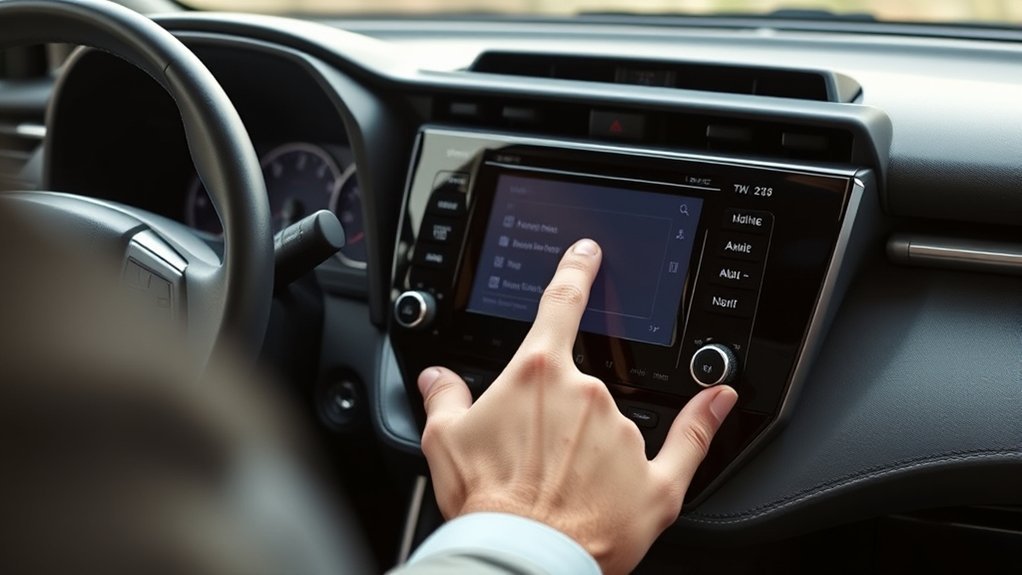
If you’ve been dealing with Bluetooth connectivity issues in your Toyota RAV4, a factory reset can often resolve persistent problems.
Start by cycling the push button twice without starting the engine. This prepares the system for the reset.
Next, hold down the “Apps” button while cycling the headlights three times to access the reset menu.
You’ll see an option labeled “I am IT.” Highlight this option and hold it for two seconds.
Confirm the factory reset by selecting “Yes.” Remember, this will erase all saved data including your RAV4 audio settings, radio stations, and GPS addresses.
Turn off and restart your vehicle to verify that Bluetooth functionality has been restored.
You should see the Bluetooth audio icon reappear, showing that your reset worked.
How to Check and Update Bluetooth Software on Your RAV4
Checking and updating the Bluetooth software on your Toyota RAV4 is essential for maintaining good connectivity and functionality.
Navigate to your vehicle’s settings menu and select “System Settings.” From there, access the “Software Update” section to check for available updates. If updates are available, you’ll be prompted to download the latest firmware.
Make sure your RAV4 is parked and running throughout the update process to prevent interruptions.
Check your Owner’s Manual for specific instructions related to your model and year, as procedures may vary.
Once the update completes, restart your vehicle’s infotainment system to ensure the new software initializes correctly.
Bluetooth Troubleshooting Steps for Persistent Connection Issues
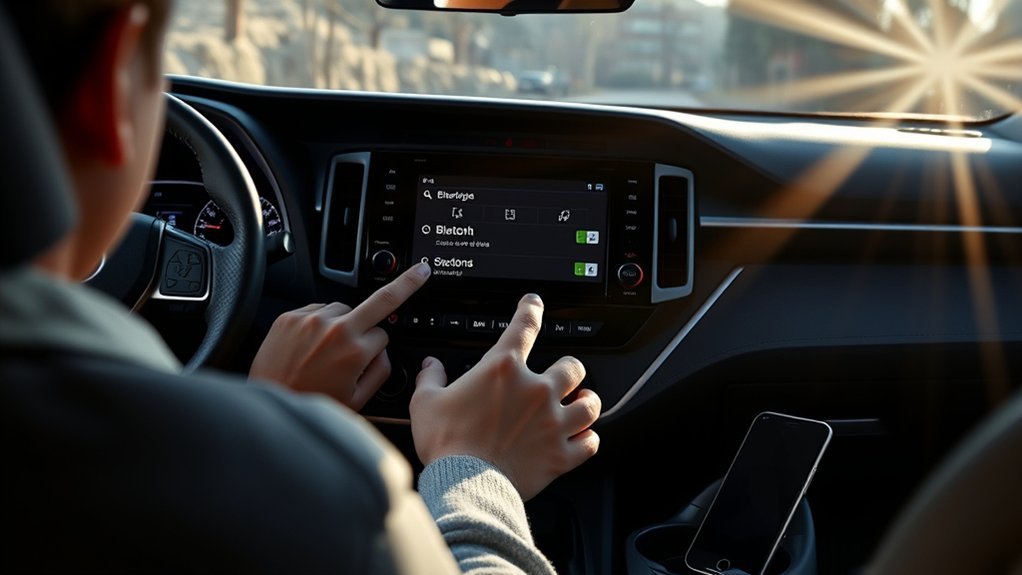
After ensuring your Bluetooth software is up to date, you might still face persistent connection issues. Start by unpairing all devices and clearing Bluetooth data from both your phone and your Toyota RAV4.
Next, perform a hard reset of the head unit by disconnecting the vehicle’s battery for a few minutes. This resets the entire system and can resolve lingering issues.
Ensure both your phone and the vehicle’s Bluetooth settings have the latest software versions to address potential device compatibility concerns.
Check for Bluetooth interference sources such as other electronic devices nearby. Make sure your phone is close to the head unit during pairing attempts.
If you’re still having trouble, visit a dealership for professional diagnostics. They can identify any unique issues with your vehicle’s Bluetooth system.
When Should You Get Professional Help With Bluetooth Issues?
If you’re facing frequent connection failures or your system crashes regularly, consider getting professional help.
These persistent issues often point to underlying problems that basic troubleshooting can’t resolve.
Expert assistance ensures your Bluetooth system operates smoothly and reliably.
Frequent Connection Failures
If you’ve tried troubleshooting Bluetooth issues in your Toyota RAV4 but frequent connection failures persist, this could signal deeper hardware or software problems.
When basic resets don’t improve connection stability, it’s time to consider professional help. Persistent connectivity issues often mean your system needs a thorough evaluation with diagnostic tools that can pinpoint underlying faults.
Watch for signs of interference or corrupted settings. These can severely hinder Bluetooth performance. Regular service checks by trained technicians can maintain functionality and tackle recurring connection failures effectively.
Don’t let frustrations continue. Seeking expert assistance can resolve connection problems and restore seamless audio streaming and hands-free calling in your RAV4.
Persistent System Crashes
When your Toyota RAV4’s Bluetooth system frequently crashes or resets, this issue may require professional intervention. Persistent problems like dropped audio or pairing failures often indicate deeper issues with the Bluetooth module or wiring faults. If your multimedia system becomes unresponsive, seek help from a certified mechanic. Regular crashes after updates may need specialized software updates from your dealership.
| Symptoms | Possible Causes | Recommended Action |
|---|---|---|
| Frequent crashes | Faulty Bluetooth module | Professional diagnosis |
| Unresponsive multimedia system | Wiring faults | Certified technician check |
| Inability to pair devices | Software issues | Software update at dealer |
| Connection drops | Hardware problems | Seek expert assistance |
| Ongoing issues | Complex diagnostics | Consult a professional |
Tips for Stable Bluetooth in Your RAV4
To ensure stable Bluetooth connectivity in your RAV4, keep your vehicle’s software updated regularly.
This helps prevent connectivity issues and enhances overall performance.
Manage your paired devices by removing old connections to minimize confusion and improve stability.
Regular Software Updates
Keeping your Toyota RAV4’s Bluetooth system running smoothly relies heavily on regular software updates. These updates offer important Bluetooth enhancements by fixing bugs and improving software compatibility with your mobile devices.
To ensure you’re using the latest software, check the Toyota website or your vehicle’s infotainment system regularly. Maintaining a stable Bluetooth connection requires you to keep both your RAV4’s system and your phone’s software updated.
Schedule routine maintenance checks. Technicians can apply necessary updates to your vehicle’s Bluetooth system during these visits. Enable automatic updates on your smartphone. This helps maintain compatibility with your RAV4’s Bluetooth, ensuring a seamless connection every time you drive.
Manage Paired Devices
Managing the paired devices in your Toyota RAV4 is essential for maintaining a stable Bluetooth connection. Regularly perform device removal of old or unused connections from both your phone and the RAV4’s Bluetooth settings. This prevents interference and connection issues.
Make sure your phone’s Bluetooth is discoverable during the pairing process for smoother connection management. Limit the number of devices connected simultaneously. Too many devices can cause confusion and instability.
Check for software updates on both your phone and the RAV4’s multimedia system. These updates can enhance Bluetooth performance. Consider occasional resets of the Bluetooth system to eliminate glitches and ensure a seamless connection experience.
Frequently Asked Questions
Can I Reset Bluetooth Without Turning on My RAV4?
No, you can’t reset Bluetooth without turning on your RAV4. For effective Bluetooth troubleshooting and Toyota connectivity, the vehicle’s power must be on to access the settings and perform the reset correctly.
Will Resetting Bluetooth Erase My Saved Devices?
Yes, resetting Bluetooth will erase your saved devices. This action clears all Bluetooth connections. You’ll need to reconnect your devices afterward for seamless usability and functionality.
How Long Does a Bluetooth Reset Take?
A Bluetooth reset typically takes just a few minutes. You’ll quickly solve connection issues and get back to seamless syncing. It’s a hassle-free process that lets you re-establish your devices without long delays.
Can I Reset Bluetooth While Driving?
No, you shouldn’t reset Bluetooth while driving. It creates driving distractions and compromises safety. As the National Highway Traffic Safety Administration recommends, focus on the road and perform any resets when parked to ensure your safety and that of others.
Does Resetting Bluetooth Affect My Car’s Other Settings?
Resetting Bluetooth doesn’t affect your car’s other settings. Your Bluetooth functionality will refresh, but all other car settings remain intact. You can reconnect without worrying about losing your favorite presets or configurations.
Conclusion
Resetting the Bluetooth in your Toyota RAV4 can feel frustrating, but it’s a necessary step to resolve connectivity issues. By following the steps outlined above, you can fix most problems and improve your driving experience. Remember to power cycle the head unit, check for software updates, and perform a factory reset if needed. If problems persist, don’t hesitate to seek professional help. With a little patience, you’ll get your Bluetooth working smoothly again.

