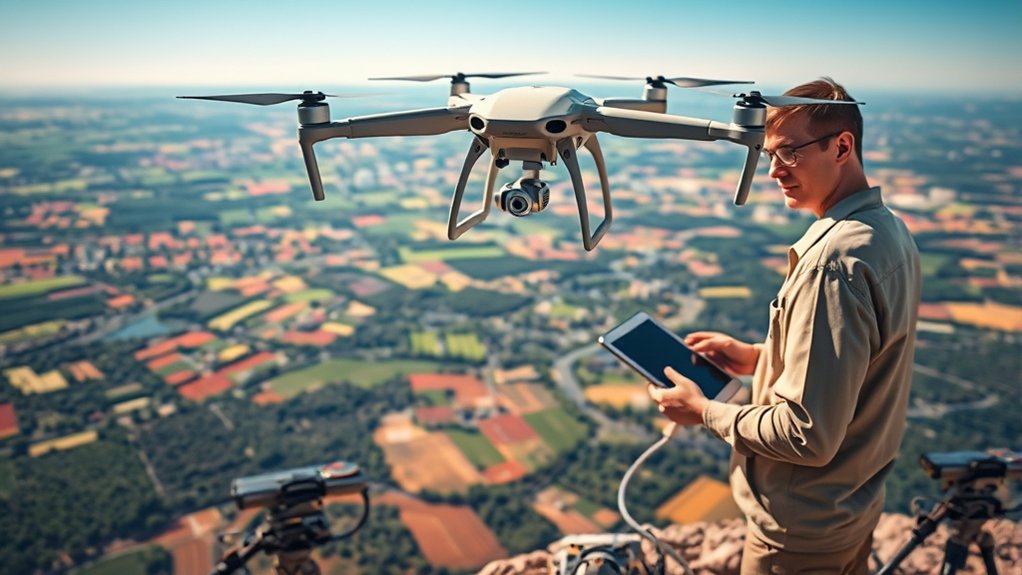
Drone mapping accuracy depends on more than the drone you fly. Your results come from a mix of image quality, flight planning, Ground Sampling Distance, image overlap, control points, GNSS accuracy, and processing software. When you understand how these pieces work together, you can plan cleaner flights, reduce errors, and create maps that better match the real world.
Quick Answer
To improve drone mapping accuracy, plan enough image overlap, use the right Ground Sampling Distance, fly in stable conditions, capture sharp images, and add Ground Control Points when real-world coordinate accuracy matters. RTK or PPK drones can further improve precision, but good flight planning and quality control still matter.
Key Takeaways
- Relative accuracy shows how well points fit together inside the model, while absolute accuracy shows how well the map matches real-world coordinates.
- Ground Sampling Distance, image overlap, flight altitude, weather, camera quality, and processing settings all affect final accuracy.
- Ground Control Points and checkpoints help verify and improve accuracy, especially for survey-grade mapping work.
- RTK and PPK systems can reduce positioning error, but they do not replace careful flight planning and quality checks.
- The best results come from matching your workflow to the project goal, not from using one accuracy setting for every job.
At a Glance
| Best For | Drone mapping, photogrammetry, site surveys, construction tracking, land management, and inspection planning |
| Main Accuracy Factors | GSD, image overlap, camera quality, GCPs, GNSS accuracy, flight altitude, weather, and software settings |
| Useful Tools | Mapping drone, calibrated camera, flight planning app, GCP targets, GNSS receiver, RTK/PPK system, and photogrammetry software |
| Key Goal | Capture sharp, consistent images that process into a reliable map with known and verified accuracy |
Understanding Mapping Accuracy: Relative vs. Absolute

When you talk about mapping accuracy, you first need to separate relative accuracy from absolute accuracy. These two terms sound similar, but they measure different parts of a drone mapping project.
Relative accuracy measures how well points relate to each other inside the same model. It matters when you measure distances, areas, stockpile volumes, building progress, or changes within one mapped site.
Absolute accuracy measures how well those same points align with a fixed real-world coordinate system. It matters more for land surveys, engineering design, boundary work, construction layout, and any project where the map must match known coordinates.
Relative accuracy focuses on the relationships between points in your model. Absolute accuracy shows how closely that model lines up with real-world coordinates.
Expected relative accuracy often depends on Ground Sampling Distance, also called GSD. In many photogrammetry projects, horizontal relative accuracy may fall near one to two times the GSD, while vertical accuracy may be less precise. These ranges are useful planning estimates, not guaranteed results.
Ground Control Points, or GCPs, help improve both relative and absolute accuracy because they give your model fixed reference locations. However, GCP quality, placement, measurement method, and visibility all affect the final result.
Your drone’s GNSS receiver precision also matters. Standard GNSS positioning can be off by several feet or meters depending on conditions. RTK and PPK workflows can reduce that error, but only when the system is set up and processed correctly.
Note: Accuracy claims should always match the project method. A map can look clean and still have poor absolute accuracy if it lacks reliable control points or accurate geotags.
Factors Influencing Relative Accuracy

Several factors influence relative accuracy in drone mapping. Image overlap is one of the most important because photogrammetry software needs shared features between images to build a reliable model.
For many standard mapping jobs, you should aim for at least 75% front overlap and 60% side overlap. More complex terrain, forests, buildings, reflective surfaces, or low-texture areas may need higher overlap.
Ground Sampling Distance also affects relative accuracy. A smaller GSD captures more detail, which can help the software match points more accurately. A larger GSD covers more ground per pixel, but it can reduce measurement detail.
The quality of your visual content matters too. Sharp photos with clear textures, consistent exposure, and limited blur give the software stronger tie points. Soft, dark, reflective, or motion-blurred images can weaken reconstruction.
Manual Tie Points, or MTPs, can also help when the software struggles to match features automatically. These points let you anchor the same visible feature across multiple images, which can improve alignment in difficult areas.
Flight altitude, camera angle, terrain relief, lighting, wind, and environmental conditions all influence the reconstruction. Lower altitudes usually improve detail, but they also require more photos and careful overlap planning.
Enhancing Absolute Accuracy With GCPs

To achieve high absolute accuracy in drone mapping, you need reliable Ground Control Points. GCPs are marked locations on the ground with known coordinates. Your software uses them to align the model with real-world positions.
The accuracy of your GCPs should be better than the Ground Sampling Distance of your images. If your control points are measured poorly, they can limit or even damage the accuracy of the final map.
GCPs can help you reach centimeter-level accuracy when you combine them with strong image overlap, sharp imagery, careful marking, and accurate survey methods. RTK and PPK technology can also reduce positional uncertainty compared with standard GNSS receivers.
Good GCP distribution matters as much as the number of points. Place points across the whole project area, including near the edges, corners, and elevation changes when possible. Avoid placing all control points in one small cluster.
Checkpoints are just as important. A checkpoint is measured like a GCP, but you do not use it to build the model. Instead, you use it to test how accurate the finished map is. This gives you a more honest accuracy check.
Warning: Do not use the same points for control and independent verification. If every measured point becomes a GCP, you lose a reliable way to check the finished map.
The Role of Ground Sampling Distance in Accuracy
Ground Sampling Distance, or GSD, is critical because it controls how much ground each image pixel represents. It directly affects the level of detail your drone images capture and the quality of your measurement accuracy.
A lower GSD means each pixel covers a smaller area on the ground. That usually gives you more detail, sharper features, and better measurement potential. A higher GSD covers more area per pixel but reduces fine detail.
By calculating the ideal GSD based on flight altitude, camera sensor size, focal length, and project requirements, you can plan a flight that fits the accuracy level you need.
Understanding and adjusting GSD helps improve data collection and analysis. It also helps you avoid collecting too little detail for a high-precision job or too much data for a simple overview map.
GSD Definition and Importance
Ground Sampling Distance represents the ground distance each pixel in an image covers. For example, a GSD of 5 cm/px means each pixel represents about 5 centimeters on the ground.
Here are three critical aspects of GSD:
- Detail Level: A smaller GSD captures finer details, which can improve measurements and feature matching.
- Altitude Impact: Flying lower usually reduces GSD and increases detail, while flying higher increases GSD and covers more area.
- Measurement Accuracy: A suitable GSD helps your images support the level of accuracy your project requires.
Tools like Pix4D’s calculator can help you estimate a practical GSD for your drone, camera, and flight altitude. You should still check whether your planned GSD matches the final deliverable your project needs.
Calculating Optimal GSD
When calculating optimal Ground Sampling Distance, start with the project goal. A construction progress map may not need the same GSD as a detailed volume survey or engineering deliverable.
A lower GSD, such as 5 cm/px, means each pixel represents a smaller area on the ground. This can produce higher detail and better measurement potential, but it also increases flight time, image count, storage needs, and processing time.
The altitude of your drone plays a major role. Flying lower reduces GSD and captures more detailed imagery. Flying higher covers larger areas faster but lowers image detail.
Precise GSD planning keeps your workflow efficient. You want enough detail for accurate results without collecting more data than your project can justify.
To optimize GSD, consider your required map scale, expected accuracy, terrain, camera model, flight altitude, and processing limits. For repeat projects, use the same GSD and flight settings when you need consistent comparisons over time.
Importance of Image Overlap in Drone Mapping
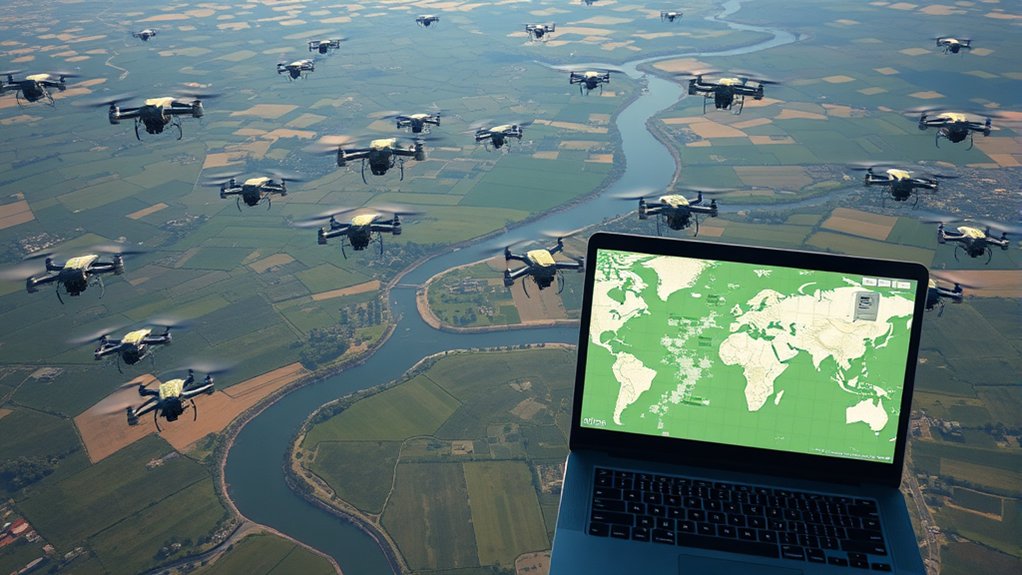
Proper image overlap is vital for effective drone mapping. It directly affects how well your software stitches photos, builds a point cloud, creates an orthomosaic, and reconstructs 3D surfaces.
Proper image overlap gives mapping software enough shared features to connect photos, reduce gaps, and improve the quality of your final data.
To achieve better mapping results, follow these overlap guidelines:
- Overlap Requirements: Aim for at least 75% front overlap and 60% side overlap for many standard projects. Increase overlap for complex terrain, forests, buildings, or low-texture areas.
- Enhanced Accuracy: Higher overlap increases the number of matched points, which can improve reconstruction strength and reduce alignment problems.
- Data Integrity: Insufficient overlap cannot always be fixed during processing. When in doubt, capture more images rather than risk gaps in your final map.
Overlap also needs to remain consistent across the site. Sudden altitude changes, missed flight lines, strong wind drift, or poor mission planning can create weak areas even if the average overlap looks acceptable.
Pro Tip: Increase overlap when mapping trees, water edges, roofs, slopes, or repetitive surfaces. These areas often give software fewer reliable features to match.
Utilizing RTK GPS Systems for Precision
Using Real-Time Kinematic GPS systems can greatly improve mapping accuracy by providing more precise image geotags. RTK works by using correction data from a base station or correction network to reduce positioning error.
Traditional GPS positioning can often vary by several feet or meters, depending on satellite geometry, signal quality, and site conditions. RTK technology can reduce that uncertainty and support centimeter-level precision in the right workflow.
This advanced capability can streamline mapping work because it improves geotag accuracy before processing starts. It can also reduce the number of GCPs needed on some projects, though many high-accuracy jobs still benefit from checkpoints.
Benefits of RTK Technology
Although many mapping technologies exist, RTK GPS systems stand out because they can improve the location data attached to each image. This is valuable for projects that demand high precision, such as land surveys, construction documentation, and infrastructure mapping.
The benefits of RTK technology include:
- Enhanced Accuracy: RTK-equipped drones can support centimeter-level positioning when the correction system, mission setup, and processing workflow are configured correctly.
- Reduced Time and Cost: Better image geotags can reduce fieldwork and make processing more efficient, especially across repeat surveys or large sites.
- Streamlined Processes: RTK and PPK measured geotags can reduce reliance on dense GCP layouts, although independent checkpoints remain important for verification.
These advantages make RTK GPS systems useful for construction, environmental monitoring, land management, utilities, mining, and other mapping workflows.
RTK vs. Traditional GPS
When you compare RTK GPS systems with traditional GPS receivers, the biggest difference is positioning quality. Traditional GPS is often suitable for basic navigation, but it may not meet the needs of high-accuracy mapping.
RTK systems use correction signals to reduce position error. This can improve the accuracy of image geotags and help the software place the model closer to real-world coordinates.
This difference matters for applications like land title surveys, construction design documents, site progress tracking, and asset mapping. In these projects, small location errors can create expensive mistakes.
RTK is not a cure-all, though. Poor camera settings, weak overlap, bad lighting, rolling shutter distortion, inaccurate base station setup, or weak checkpoints can still reduce your final accuracy.
PPK vs. RTK: When Should You Use Each?
RTK and PPK both improve drone mapping accuracy, but they handle correction data differently. RTK applies corrections during the flight, while PPK applies corrections after the flight during post-processing.
RTK is useful when you have a reliable correction signal in the field. It gives you immediate corrected positions and can simplify the workflow. However, signal dropouts or poor network coverage can reduce reliability.
PPK is useful when correction signals are weak, the site has limited cellular coverage, or you want more control during processing. It stores the drone’s GNSS data and corrects it later using base station data.
For many mapping teams, the best choice depends on site conditions, available equipment, required accuracy, and how the data will be verified. In either case, checkpoints help confirm whether the final map meets the project requirement.
Selecting the Right Equipment for High-Quality Images
Selecting the right equipment is vital for achieving high-quality images in drone mapping projects. Better equipment gives your software cleaner data, but your settings and flight planning still decide much of the final result.
To support better performance, consider these factors:
- Camera Sensor Size: Larger sensors can capture more detail and perform better in difficult light. High pixel density and good lens quality also help improve image clarity.
- Mechanical Shutter: Drones with mechanical shutters can reduce rolling shutter distortion. This helps create sharper images during flight and supports more accurate point matching.
- RTK GPS Systems: Drones equipped with RTK can improve image geotag accuracy and support more reliable mapping outputs when used correctly.
Camera settings also matter. Use a fast enough shutter speed to reduce motion blur, keep exposure consistent, and avoid over-sharpened or noisy images when possible.
Battery condition, flight stability, lens cleanliness, and camera calibration can also affect accuracy. Before any important mapping job, inspect your equipment and run a short test flight when conditions allow.
Choosing Software That Meets Your Project Needs
Choosing the right software is crucial because processing settings affect the quality and reliability of your final drone map. Your software should match the deliverables your project needs, such as orthomosaics, 3D models, point clouds, digital surface models, contours, distance measurements, areas, and volumes.
Evaluate processing speed, ease of use, quality reports, coordinate system support, GCP tools, checkpoint reporting, export formats, and measurement tools. These features influence your workflow and help you prove whether the output meets the required accuracy.
Tools like Pix4D offer mapping features for measuring distances, areas, and volumes. Other platforms may focus on construction tracking, agriculture, public safety, inspection, or GIS integration.
You should also assess integration capabilities with your existing systems and data formats. If your team uses CAD, GIS, BIM, or asset management tools, export compatibility becomes important.
Proper software choice improves the accuracy, usefulness, and repeatability of mapping results. It also helps you make better decisions from precise geospatial data.
Best Practices for Achieving Optimal Mapping Results
To achieve ideal mapping results, you need a repeatable workflow that improves data quality and accuracy from planning through processing. The strongest drone maps usually come from consistent field methods, not from one single tool.
Focus on the following elements:
- Image Overlap: Use at least 75% front overlap and 60% side overlap for many standard projects. Increase overlap when the terrain, vegetation, buildings, or surface textures are difficult.
- Ground Control Points: Add GCPs when absolute accuracy matters. Their accuracy should be better than your target accuracy and your project’s GSD.
- Quality Equipment: Use drones with sharp cameras, stable flight performance, reliable GNSS, and mechanical shutters when precision matters.
- Stable Flight Conditions: Fly in low wind, good lighting, and safe weather. Avoid rain, fog, harsh shadows, and fast-moving cloud cover when possible.
- Consistent Camera Settings: Keep exposure, focus, shutter speed, and image interval consistent so your photo set processes cleanly.
- Independent Accuracy Checks: Use checkpoints to confirm final map quality instead of relying only on software confidence or visual appearance.
You should also keep detailed field notes. Record flight altitude, GSD target, overlap settings, weather, equipment used, GCP coordinates, coordinate system, and processing settings. These notes make your results easier to review and repeat.
Common Drone Mapping Errors and How to Avoid Them
Drone mapping errors often come from small planning mistakes that become larger during processing. The most common issues include weak overlap, poor image sharpness, GPS inaccuracies, incorrect GCP marking, and unstable lighting.
Poor overlap can create holes, warped surfaces, and weak point clouds. To avoid this, increase front and side overlap before the flight, especially when mapping complex sites.
Blurry images reduce the number of reliable tie points. Use a suitable shutter speed, avoid high winds, check focus, and keep the drone speed reasonable for your camera settings.
Incorrect GCP placement can distort the model. Mark targets clearly, spread them across the site, and measure them with a reliable method. Do not place every point on one straight line or only near the center.
Wrong coordinate systems can also cause major problems. Confirm the coordinate reference system before processing and before exporting deliverables for CAD or GIS use.
Quality Control Before Delivering a Drone Map
Before you deliver a drone map, review the project quality report and check more than the visual result. A clean-looking orthomosaic can still have positional errors.
Start by checking image alignment. Look for missing images, weak camera positions, low tie point counts, and areas with poor reconstruction. Then review GCP and checkpoint errors.
Pay close attention to checkpoint residuals because they show how well the finished model matches independent measured points. If checkpoint errors exceed your project tolerance, the map may need reprocessing or a new flight.
Inspect the orthomosaic for seamlines, warped edges, building lean, blurred areas, water artifacts, and mismatched textures. Review elevation models for spikes, holes, and unnatural surfaces.
Finally, confirm that the output coordinate system, units, scale, and export format match the client or project requirement. This final step helps prevent avoidable delivery mistakes.
Frequently Asked Questions
How does weather affect drone mapping accuracy?
Weather can greatly affect drone mapping accuracy. Wind can make the drone less stable and cause motion blur. Rain, fog, haze, and low light can reduce image quality. Strong shadows and fast-changing cloud cover can also make image matching harder during processing.
Can drone mapping be used for indoor projects?
Yes, drone mapping can be used indoors, but it is more challenging because GPS signals are usually weak or unavailable. Indoor mapping may require visual positioning, LiDAR, manual control, strong lighting, careful safety planning, and software that can process non-GPS image data.
What are the common errors in drone mapping?
Common errors include GPS inaccuracies, poor image overlap, blurry images, weak lighting, incorrect altitude settings, poor GCP placement, wrong coordinate systems, and rushed processing. These issues can distort maps, reduce measurement quality, and make the final data less reliable.
How often should drones be calibrated for accuracy?
You should follow the manufacturer’s calibration guidance and check calibration before important mapping work. Recalibrate after firmware updates, hard landings, major temperature changes, compass warnings, sensor warnings, or when the drone behaves unexpectedly.
What regulations impact drone mapping operations?
Drone mapping operations may be affected by airspace rules, pilot certification requirements, local restrictions, privacy laws, property access rules, and site-specific safety policies. In the United States, you should check current FAA requirements before commercial mapping flights.
Do RTK drones still need Ground Control Points?
RTK drones may reduce the number of Ground Control Points needed, but they do not always remove the need for control or checkpoints. For high-accuracy work, use independent checkpoints to verify the final map instead of relying only on RTK geotags.
What is a good image overlap for drone mapping?
A common starting point is at least 75% front overlap and 60% side overlap. Use higher overlap for complex terrain, vegetation, buildings, roofs, low-texture surfaces, or projects that need stronger 3D reconstruction.
Conclusion
In drone mapping, accuracy is not one setting. It comes from the way you plan the flight, capture images, control coordinates, process data, and verify the result.
Relative accuracy keeps your model internally consistent, while absolute accuracy helps it align with real-world coordinates. Both matter, but their importance depends on the project goal.
By combining high-quality images with proper GCPs, checkpoints, GSD planning, image overlap, and RTK or PPK GPS systems, you can move from basic mapping to more reliable and professional results.
Focus on the full workflow instead of one tool. When your equipment, flight plan, control points, software, and quality checks work together, your maps become more accurate, more useful, and easier to trust.
