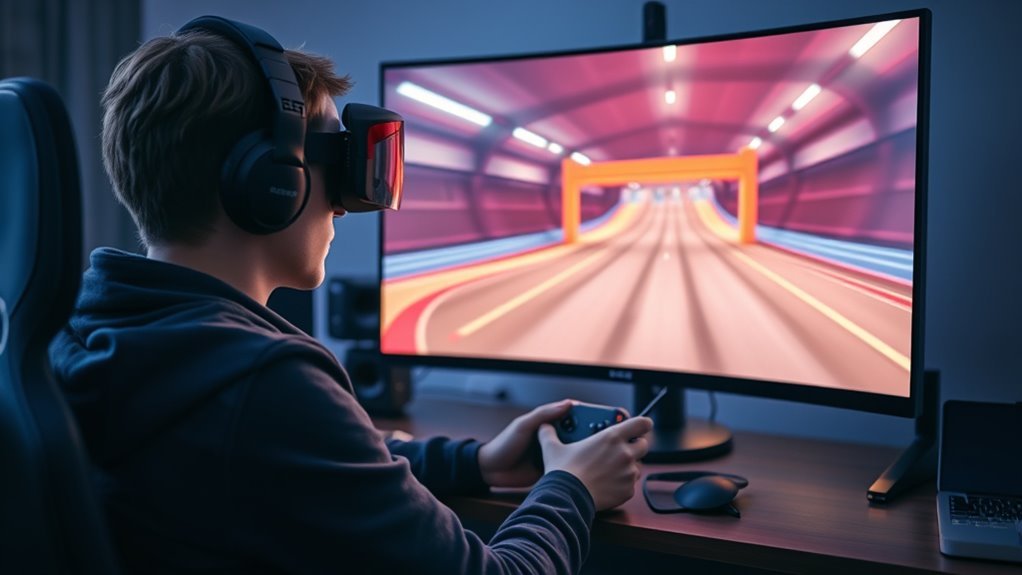
Free Steam FPV drone simulators give beginners a low-risk way to test controls, physics, and setup before spending money. Options such as FPV SkyDive and similar titles can provide enough structure to learn basic flight, but their realism, map variety, and hardware support vary. The key question is not whether a free sim exists, but whether it matches the pilot’s goals, equipment, and expectations. What separates the useful ones from the frustrating ones is not always obvious.
Which Steam FPV Sims Are Free?
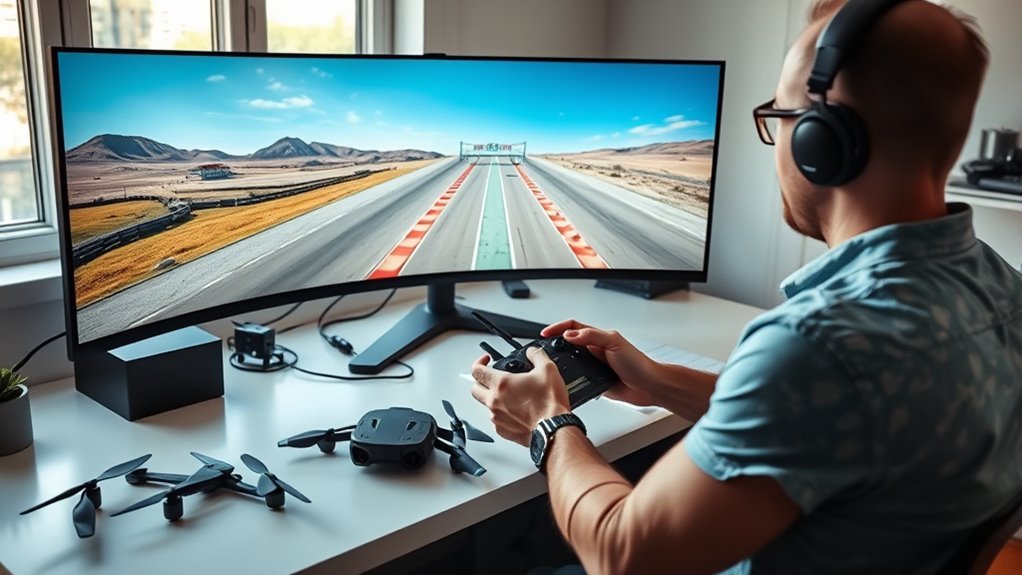
Several Steam FPV simulators are free or temporarily free through promotions. FPV SkyDive stands out as a completely free FPV simulator on Steam, with solid physics and graphics suited to freestyle and racing practice.
DRL Simulator is usually paid, yet it frequently appears in free trials or limited promotional access, allowing pilots to evaluate its controls before commitment. FPV Freerider, though originally a low-cost title, is sometimes discounted heavily or offered free during events.
Liftoff: Micro Drones also enters the free rotation through weekend trials, giving access to Tiny Whoop-style flying without upfront cost. Community forums consistently advise checking Steam’s store pages and announcement feeds, since developers rotate offers and discounts.
For users seeking liberation from hardware mistakes and expensive entry barriers, these temporary opportunities matter. A free FPV simulator can provide a practical testing ground while preserving resources for future equipment and practice.
What You Get From Free FPV Sims
Free FPV simulators usually provide enough features to let beginners start training without upfront cost. In a free Drone Simulator, the pilot typically receives a small fleet, a few maps, and basic setup options.
These FPV simulators often include tutorials, simple missions, and responsive controls that make the first steps less intimidating and more liberating.
These FPV simulators often include tutorials, simple missions, and responsive controls to make early practice feel approachable and rewarding.
- A compact practice field with trees, gates, and open sky.
- A starter drone hovering above a smooth training track.
- On-screen control prompts showing throttle, yaw, pitch, and roll.
- Community-made maps extending the horizon beyond the default scenes.
Many free versions, such as FPV SkyDive, also offer decent physics and graphics, letting users rehearse line choice, turns, and recovery without risking hardware.
Community support can add custom content and practical advice. Although advanced tools are limited, these free FPV simulators build foundational skill and confidence before any purchase.
Which Sim Has the Best Physics?
When evaluating FPV simulator physics, Liftoff is often considered the benchmark because it models damage and alters flight behavior after impacts, creating a highly credible training environment.
For pilots seeking technical fidelity, it sets a high standard for how FPV control inputs translate into airframe response.
VelociDrone follows closely, with physics tuned for racing and freestyle, delivering precise throttle authority and race-ready handling.
TRYP FPV emphasizes immersive freestyle and cinematic motion, though its physics are sometimes secondary to visual polish.
Uncrashed provides efficient freestyle physics that feel responsive, but less nuanced than Liftoff or VelociDrone.
DRL Simulator focuses on structured racing practice, with physics built for competition rather than broad realism.
Which Free Sim Is Best for Beginners?
FPV SkyDive is widely regarded as the strongest free option for beginners because it combines accessible controls with reasonable physics and graphics.
Its included drones, maps, and support for the FPV 3 Controller allow new pilots to practice with minimal setup and no initial cost.
The simulator’s simple training environment and supportive community make it a practical starting point before moving to more advanced software.
Best Free Beginner Sim
For beginners seeking a no-cost starting point, FPV SkyDive stands out as the strongest free simulator on Steam thanks to its accessible controls, decent physics, and functional graphics that make early practice feel realistic without becoming overwhelming.
In a Simulator for FPV flying, it offers a practical bridge from uncertainty to confident motion, letting new pilots build muscle memory with low friction and real freedom.
- A clean track above open terrain
- A quadcopter hovering near a gate
- A first turn through a narrow line
- A landing pad under soft light
Among free options, its balance of realism and simplicity makes it the clearest choice.
FPV Freerider is inexpensive, while Tiny Whoop GO is forgiving and Liftoff: Micro Drones is more demanding.
Simple Training Features
Beyond basic accessibility, the strongest free beginner simulator also needs simple training features that reduce early friction. FPV SkyDive fits this role well for FPV drones, pairing accessible physics with a clean interface and straightforward controls.
Its guided training missions teach core maneuvers step by step, which helps new pilots build competence without costly mistakes. The simulator also includes customization options, letting users test drone settings and see how each change affects handling.
Free access to multiple maps and drones supports repeated practice in varied conditions, reinforcing skill transfer. For beginners seeking technical clarity and personal autonomy, these simple training features make FPV SkyDive a practical path toward confident flight, with enough structure to learn and enough freedom to progress at an individual pace.
What Radio Controllers Work With It?
Most radio controllers that connect to a PC via USB will work with a free Steam FPV drone simulator, since the simulator typically reads the device as a standard game joystick. Popular choices such as FrSky, Taranis, and Radiomaster are often plug-and-play, making it easy to Connect Your Radio and begin shaping an FPV drone feel without delay.
- A transmitter rests beside a monitor, cable linked, ready for liberation.
- Thumbs move over gimbals as the virtual quad answers each input.
- A calibration screen shows a centered stick at 1500.
- Rate curves echo real Betaflight settings, reinforcing muscle memory.
Support for USB joystick mode remains essential; some ExpressLRS radios need this enabled before the simulator detects them correctly.
Accurate calibration matters, with endpoints near 1000 and 2000 for precise response. Matching simulator rates to real-world setups helps the pilot build transferable control habits and move toward freer, more confident flight.
How Much Hardware Do You Need?
A Free Steam FPV Drone Simulator typically requires a capable PC with at least 8GB of RAM and a dedicated graphics card.
Higher settings benefit from a recent CPU and GPU. A compatible radio controller remains essential for realistic training and should integrate cleanly with the simulator.
Mobile setups are generally limited compared with desktop systems, so desktop hardware is usually the practical choice for smooth performance.
Controller Requirements
One proper radio controller is typically all that is needed to get meaningful training from an FPV simulator, but it should be a real transmitter rather than a keyboard or gamepad.
These controller requirements matter because precise stick input builds muscle memory that carries into a real FPV drone. Most recommended radios connect by USB and appear as game controllers, so setup is usually plug-and-play.
Simulator transfer improves when stick calibration, rates, and channel mapping match the pilot’s chosen model. Compatibility should still be checked, because some simulators accept certain radios more cleanly than others.
- A compact transmitter on the desk.
- Thumbsticks centered and calibrated.
- A USB cable linking freedom to software.
- On-screen quad responding with disciplined motion.
PC Specs Needed
Once controller compatibility is sorted, attention shifts to the computer itself, since FPV simulators depend on enough processing power and memory to keep the experience smooth. Basic PC specs usually mean a dual-core CPU, 8GB of RAM, and Windows 10 or later. A dedicated GPU with at least 2GB of VRAM helps render realistic terrain, flight lines, and physics with less stutter. Higher frame rates, ideally 60 FPS or more, improve control feel and bring the sim closer to real life.
| Component | Minimum | Recommended |
|---|---|---|
| CPU | Dual-core | Faster multi-core |
| RAM | 8GB | 16GB |
| GPU | 2GB VRAM | Dedicated card |
Steam listings should always be checked, because some titles demand more.
Mobile Vs Desktop
Mobile and desktop FPV simulators differ noticeably in hardware demand. A mobile simulator usually runs on a smartphone with modest specifications, giving pilots a fast path to practice without heavy costs or complex setup.
A desktop simulator, by contrast, delivers richer graphics and larger map libraries, but it asks more from the machine. For most desktop options, at least 4GB RAM and a dedicated graphics card support stable performance.
- A phone on a simple desk, ready in seconds
- A desktop tower with a glowing GPU
- Wide maps stretching across multiple virtual horizons
- Smooth sticks translating intent into precise flight
For serious FPV training, a capable desktop can access more advanced features, while mobile keeps entry open and accessible.
Which Maps and Drones Are Included?
Free Steam FPV drone simulators differ most noticeably in the types of maps and aircraft they provide, with each title emphasizing a distinct flying style.
FPV SkyDive supplies varied racing and freestyle environments without purchase barriers, giving pilots room to train freely.
FPV SkyDive offers varied racing and freestyle environments, letting pilots train freely without purchase barriers.
Liftoff: Micro Drones narrows the focus with Tiny Whoop maps tuned for micro drones, where confined layouts demand precise control.
TRYP FPV leans toward expansive, visually rich arenas for cinematic lines and freestyle flow.
Uncrashed expands the menu further with more than 19 maps, including car-chasing activities that diversify practice.
The Drone Racing League Simulator, or DRL, presents over 20 race-oriented maps plus multiplayer support, making it a technical guide to FPV competition for those seeking structured progression.
Across these options, the included maps and drones determine whether the experience favors racing discipline, micro-scale agility, or open-ended creative flight.
What Do Steam Reviews Say?
- A clean virtual track suspended over open terrain.
- A drone threading a narrow gate at speed.
- A controller mapped to responsive, tactile inputs.
- A sunset course where shadows sharpen depth cues.
Reviewers also note that Liftoff benefits from community-generated content, which extends learning and replay value.
Uncrashed is often praised for realistic physics, though its complexity can challenge novices.
TRYP FPV draws attention for stunning visuals, but performance complaints appear on weaker PCs.
Many users further advise checking radio controller compatibility, since that can determine whether the experience feels truly liberated or merely functional.
Should You Use a Free FPV Sim?
A free FPV simulator can be a practical starting point for new pilots who want to build basic control habits without financial commitment. Free FPV simulators such as FPV SkyDive give accessible training and enough realism to learn throttle, yaw, pitch, and roll with little risk.
Their physics and graphics are often decent, so the pilot can experience flight dynamics that resemble real drones while avoiding crashes and repair costs. This makes them useful for developing muscle memory and confidence before moving to advanced software or actual aircraft.
However, free options usually provide fewer features, fewer environments, and weaker community support than paid platforms. That limitation can slow progression once basic control is established.
Community feedback generally treats them as a valid entry point, but not a complete solution. For those seeking freedom from upfront expense, they are a logical first step, with paid FPV simulators offering broader practice later.
Frequently Asked Questions
Which Drone Simulator on Steam Is Considered the Best?
Liftoff is generally considered the best drone simulator on Steam. It stands out for strong simulation realism, extensive drone features, and a large community offering hundreds of models and thousands of tracks.
That combination gives pilots a highly flexible training environment for racing and freestyle.
FPV SkyDive is a solid free alternative, but Liftoff remains the top choice for users seeking the most complete and liberated FPV experience.
What Is the Best Free FPV Drone Simulator for Beginners?
FPV SkyDive is often the best free FPV drone simulator for beginners. It provides solid drone controls and respectable flight physics, making early practice manageable without cost.
The interface is straightforward, and the graphics are functional enough for learning. For those seeking a freer path into FPV, it offers accessible training before moving to paid options.
Community feedback generally supports it as the strongest no-cost starting point on Steam.
What Is the Best FPV Simulator for Beginners?
DRL Simulator is the best FPV simulator for beginners, a true rocket launch for learning.
It teaches FPV basics through structured lessons, progressive difficulty, and realistic handling. Its Simulator features support controlled practice, while Liftoff remains a strong alternative for gentler learning and damage simulation.
FPV SkyDive suits budget-minded users, but DRL offers the clearest path to skill, freedom, and confident flight with a proper radio controller.
Are FPV Drones Illegal in the USA?
FPV drones are not illegal in the USA, but their use is governed by drone regulations. Recreational pilots must register drones over 0.55 pounds, maintain visual line-of-sight, and avoid FAA no-fly zones.
Commercial operators must also hold a Part 107 remote pilot certificate. Local restrictions may apply near airports, parks, and sensitive sites.
Respecting these rules preserves FPV safety while allowing lawful aerial freedom.
Conclusion
Free Steam FPV drone simulators offer a quiet runway into the hobby, where virtual prop wash and neon gates can sharpen reflexes without a damaged frame. For beginners, the best choice is often the one that runs smoothly, supports a radio controller, and provides enough maps to build muscle memory. More advanced pilots may outgrow free options quickly, but as a low-risk starting point, they remain a practical first lift into FPV flying.
