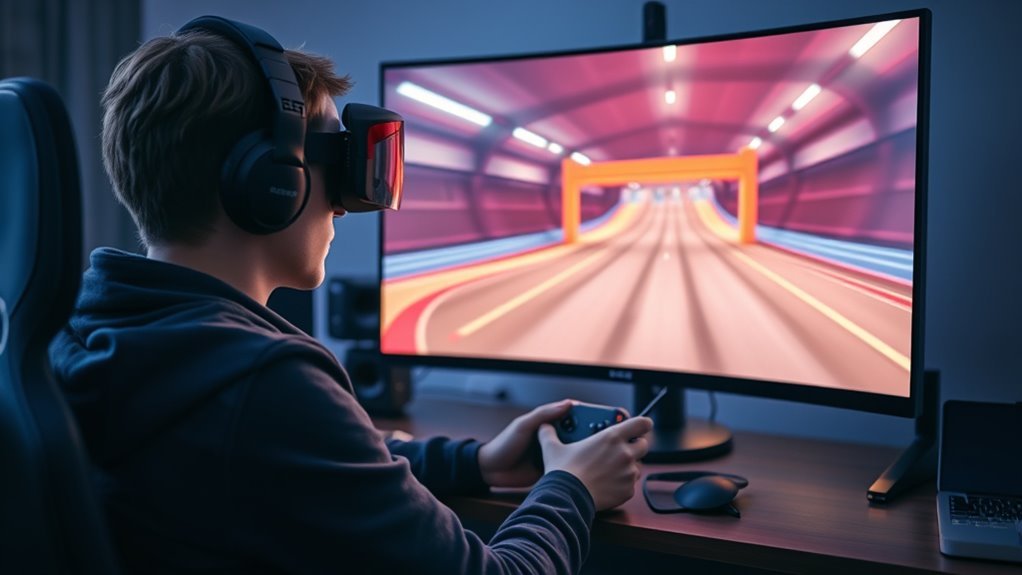
Free Steam FPV drone simulators let beginners practice throttle, yaw, pitch, roll, racing lines, and basic recovery without risking a real quad. As of September 2026, FPV SkyDive is the strongest current free-to-play Steam option for most beginners, while the older FPV Drone Simulator by DreamEscape remains free but has not been actively developed for years. Paid titles such as Liftoff, Uncrashed, TRYP FPV, FPV Freerider, and DRL Simulator offer different strengths once you want more advanced training.
Quick Answer
FPV SkyDive is the best free Steam FPV drone simulator for most beginners in 2026. It is genuinely free-to-play, supports racing and freestyle practice, includes a beginner intro, and now works with radios, game controllers, or mouse-and-keyboard controls. Some advanced maps, training units, and other features are sold separately as DLC.
Key Takeaways
- FPV SkyDive is currently free-to-play on Steam and is the most practical free starting point for most new FPV pilots.
- DreamEscape’s FPV Drone Simulator is also free, but Steam warns that it has gone more than eight years without a developer update.
- DRL Simulator, Liftoff, Liftoff: Micro Drones, Uncrashed, TRYP FPV, and FPV Freerider are currently paid products, even if occasional discounts may occur.
- A real RC transmitter gives the most transferable stick practice, but FPV SkyDive added mouse and keyboard control options in 2026.
- Simulator practice is excellent for coordination and repetition, but it cannot perfectly reproduce wind, radio links, battery behavior, crash consequences, or real-world legal requirements.
Which Steam FPV Sims Are Free?
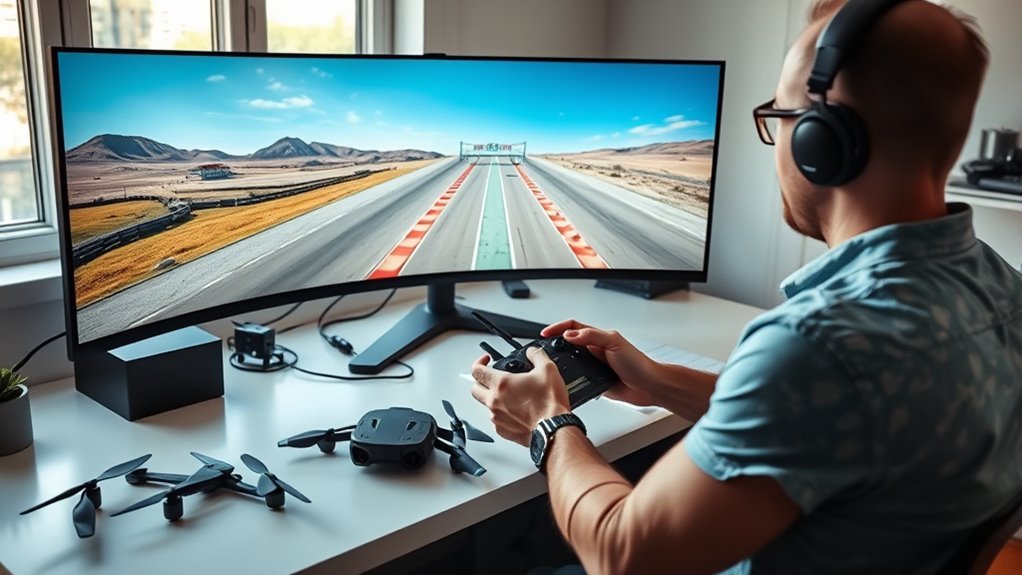
There are fewer genuinely free Steam FPV simulators than the original article suggested. The safest approach is to separate products that are free-to-play right now from paid simulators that may occasionally be discounted.
| Simulator | Steam Status | Best For | Important Limitation |
|---|---|---|---|
| FPV SkyDive | Free-to-play | Beginners, freestyle, racing practice | Several advanced training and content packs are paid DLC |
| FPV Drone Simulator | Free | Very basic practice on older hardware | Steam says the developer has not updated it for more than eight years |
Several well-known FPV simulators on Steam are not currently free. At the time of checking, DRL Simulator, FPV Freerider, Liftoff, Liftoff: Micro Drones, Uncrashed, and TRYP FPV all have purchase prices. Discounts can happen, but a temporary sale should not be treated as a permanent free option.
Note: Steam prices, promotions, DLC bundles, and review scores can change. Check the live Steam page before deciding whether a simulator is free or discounted.
What You Get From Free FPV Sims
A free FPV simulator can provide enough structure to build basic control habits before you buy a real quad. FPV SkyDive’s base game supports racing, freestyle practice, different environments, calibration, and multiple input methods.
Its 2026 beginner overhaul added a revised introductory module with input calibration, third-person visual demonstrations, and focused exercises for learning core control movements. That makes the first session easier than it was in older versions.
A free base game does not mean every map, aircraft type, training lesson, or creation tool is included at no cost.
- Practice throttle, yaw, pitch, and roll without damaging hardware.
- Use racing gates and open environments to improve line choice and orientation.
- Calibrate an RC transmitter, game controller, or supported mouse-and-keyboard layout.
- Repeat the same maneuver as many times as needed without battery charging or repair costs.
FPV SkyDive’s Flight School needs an important qualification: the first training unit is free, while the additional four units are part of paid DLC. Other paid FPV SkyDive DLC expands areas such as micro drones, track creation, and Drone Soccer.
The older DreamEscape FPV Drone Simulator provides three basic environments—an abandoned factory, a free-ride area, and a fantasy forest. Its light hardware requirements can still be useful on an older computer, but its long development inactivity makes it less attractive for a new pilot who wants an actively maintained platform.
Which Sim Has the Best Physics?
There is no reliable universal test proving that one FPV simulator has the “best” physics for every aircraft, flying style, and pilot. A better comparison is to look at what each simulator actually models and what type of practice it emphasizes.
Liftoff is one of the strongest physics-focused Steam choices. Its developer documents systems for factors such as drag, ground effect, component weight, damage, signal degradation, and a virtual flight controller. It also supports extensive drone and track customization.
Uncrashed is another strong Steam option for pilots who want to adjust settings based on real values. It allows users to tune areas such as gravity, air friction, and propeller efficiency and supports PC-compatible radio controllers.
TRYP FPV emphasizes large, detailed environments, visual immersion, freestyle, racing, scenarios, and extensive drone customization. Its stronger graphics also make it more demanding on hardware.
DRL Simulator is built heavily around racing. Its developer describes aerodynamic modeling based on real DRL aircraft data, and the game includes structured beginner training and DRL race courses.
VelociDrone is often discussed alongside these products, especially by racing pilots, but it is important to clarify that it is not a Steam title. It is purchased and downloaded separately from the VelociDrone website.
If your priority is realistic skill transfer, do not choose only by graphics. Controller feel, rates, camera angle, frame consistency, aircraft setup, and the type of flying you practice can matter just as much as the simulator’s physics engine.
Which Free Sim Is Best for Beginners?
FPV SkyDive is the strongest current free Steam choice for most beginners. It combines active development, a free base game, racing and freestyle practice, a beginner-oriented intro, and several input methods.
That does not mean every feature is free. The base game is enough to learn the control relationship between throttle, yaw, pitch, and roll, while more advanced Flight School lessons and several content packs are sold separately.
Best Free Beginner Sim
For a pilot who wants to spend nothing initially, FPV SkyDive offers the best balance of accessibility and room to progress. You can begin with standard PC controls if you do not own a transmitter, then move to an RC radio later for more transferable stick practice.
- Complete the introductory calibration and control exercises.
- Practice smooth takeoffs, hovering, turns, and controlled descents.
- Move into simple gate lines before chasing lap times.
- Practice Acro-style control only after basic stick coordination feels predictable.
FPV Freerider remains an inexpensive paid alternative, while Tiny Whoop GO provides another beginner-friendly FPV training option outside Steam. Liftoff: Micro Drones is a paid Steam product focused specifically on micro-drone flying.
Simple Training Features
The best beginner simulator should reduce setup friction while still teaching useful control habits. FPV SkyDive’s rebuilt 2026 intro walks the user through input calibration, shows how the drone reacts to control movement from a third-person view, and provides short exercises for the fundamentals.
Its full Flight School extends that structure, but only the first unit is free. The paid units cover Acro basics, more advanced control concepts, maneuvers, and tricks.
For a new pilot, repeated practice matters more than immediately unlocking every map or aircraft. A small set of familiar environments can be useful because it lets you notice improvements in throttle control, cornering, line consistency, and recovery.
What Radio Controllers Work With It?
FPV SkyDive supports several ways to fly. Its Steam information specifically mentions native integration with PlayStation, Xbox, and ORQA FPV.Ctrl controllers, and the simulator recommends a transmitter radio for the most authentic stick experience.
Update 2.9 also added mouse-only and combined mouse-and-keyboard layouts. This means you can now try FPV flight before buying a radio.
- Connect the controller or transmitter before calibration.
- Confirm that the operating system and simulator detect each control axis.
- Center the sticks and move every axis through its full range during calibration.
- Check channel direction so throttle, yaw, pitch, and roll respond correctly before serious practice.
Many RC transmitters can appear to a computer as a USB joystick or game-controller device, but compatibility can vary by transmitter, firmware, USB mode, operating system, and simulator. A radio that works in one simulator is not automatically guaranteed to work perfectly in another.
Pro Tip: If you already fly a real FPV quad, match the simulator’s rates and camera angle as closely as practical to your real setup. Consistent stick response makes simulator practice more useful for building repeatable control habits.
How Much Hardware Do You Need?
Hardware requirements vary substantially between FPV simulators. For FPV SkyDive, the current Steam listing gives a Windows minimum of an Intel Core i5, 8GB of RAM, NVIDIA GeForce GTX 650 with 2GB VRAM or better, DirectX 11, and about 2GB of storage.
The game listing still contains references to older Windows versions, but Steam’s own client stopped supporting Windows 7 and Windows 8 in 2024. A current Windows Steam setup should therefore use Windows 10 or newer.
Controller Requirements
A real RC transmitter is no longer mandatory for FPV SkyDive, but it remains the better choice if your goal is to transfer simulator practice to a physical quad. A transmitter gives you gimbal travel and throttle behavior that are closer to real FPV controls.
A gamepad can still teach orientation and basic coordination. Mouse-and-keyboard controls are useful for trying the simulator with no extra hardware, especially after the 2026 control update, but they do not reproduce a typical FPV transmitter’s stick feel.
- Best for real-world transfer: compatible RC transmitter.
- Good for casual practice: supported dual-stick game controller.
- Best for trying FPV with zero extra hardware: mouse and keyboard in FPV SkyDive.
- Most important setup step: accurate input assignment and calibration.
PC Specs Needed
Do not rely on one generic “FPV simulator minimum.” The two free Steam options have very different requirements.
| Component | FPV SkyDive Minimum | Legacy FPV Drone Simulator Minimum |
|---|---|---|
| CPU | Intel Core i5 | 1.8GHz processor |
| RAM | 8GB | 2GB |
| Graphics | GTX 650 2GB or better | DirectX 9-level graphics card |
| Storage | 2GB | 500MB |
For training quality, smooth and predictable performance is more important than maximizing every graphics setting. Stuttering or inconsistent frame delivery can make precise stick practice harder.
Mobile Vs Desktop
Steam FPV simulators are primarily a desktop-computer category. FPV SkyDive runs on Windows, macOS, and Linux through Steam, while other major Steam titles also focus on desktop systems.
Mobile FPV simulators exist, but they are a separate ecosystem. For example, VelociDrone has a mobile version in addition to its standalone desktop simulator.
- Desktop systems usually provide easier USB transmitter support.
- A larger display makes gates and depth cues easier to read.
- Desktop simulators generally provide broader graphics and customization options.
- Mobile practice can still be useful when portability matters more than full desktop functionality.
Which Maps and Drones Are Included?
Map and aircraft selection varies by simulator, and it is especially important to distinguish a free base game from paid downloadable content.
FPV SkyDive’s Steam page describes a variety of 3D environments, regular FPV aircraft, racing, freestyle, contests, and beginner-oriented content.
FPV SkyDive gives beginners enough free space to practice racing and freestyle, while additional maps, micro-drone content, training units, and creation tools can require separate DLC.
The paid Micro Drone Edition adds micro-drone-focused maps, tracks, and aircraft. The paid Track Builder adds track-creation tools, while Flight School expands structured lessons beyond the free introductory material.
DreamEscape’s older free FPV Drone Simulator is much simpler, with three environments: abandoned factory, free ride, and fantasy forest.
Among paid alternatives, FPV Freerider includes six sceneries and a racetrack generator. Liftoff: Micro Drones provides a dedicated drone and track editor, while DRL Simulator focuses on racing environments inspired by Drone Racing League competition.
How to Set Up FPV SkyDive for Useful Practice
A few setup steps make simulator time more useful, especially if you plan to fly a real quad later.
- Choose your input method. Use an RC transmitter for the closest control transfer, a gamepad for basic dual-stick practice, or the 2026 mouse/keyboard modes if you are just starting.
- Run the calibration process. Confirm centers, full travel, and correct direction for throttle, yaw, pitch, and roll.
- Complete the introductory exercises. Learn what each axis does before trying fast racing lines.
- Start slowly. Practice takeoff, controlled altitude changes, smooth turns, and predictable landings.
- Move to Acro-style practice gradually. It demands continuous correction and is less forgiving than self-leveling flight modes.
- Match your real setup when possible. Similar rates and camera angle help make your simulator habits more transferable.
Do not judge progress only by lap time. Smooth throttle management, repeatable corner entry, controlled exits, and fewer emergency resets are often better signs that your control is improving.
What Skills Transfer to a Real FPV Drone?
Simulator practice can transfer several important skills to a real FPV quad. It is especially useful for developing the coordination needed to control four axes at the same time.
- Stick coordination: learning how yaw, pitch, roll, and throttle interact.
- Orientation: understanding what the aircraft will do after each input.
- Throttle management: making smaller altitude corrections instead of large swings.
- Racing lines: planning gate entry and exit before reaching an obstacle.
- Recovery habits: reacting to an awkward angle without immediately losing control.
- Repetition: practicing difficult movements hundreds of times without repair costs.
However, no simulator perfectly reproduces a physical aircraft. Wind, propeller damage, battery voltage changes, radio interference, video-link behavior, physical goggles, varying latency, environmental hazards, and the consequences of a crash are different in real life.
Warning: Simulator skill does not replace a cautious first real flight. Use an appropriate flying area, follow local aviation rules, verify your failsafe and controls, and keep early real-world flights conservative.
What Do Steam Reviews Say?
Steam reviews are useful for identifying recurring usability or performance problems, but review percentages change continuously and should not replace checking whether a simulator fits your hardware and training goal.
- FPV SkyDive: Steam currently gives its English lifetime reviews a Very Positive label, supporting its position as a practical free starting point.
- Liftoff: its English lifetime and recent Steam reviews are currently exceptionally strong, reflecting a mature community and long development history.
- Uncrashed: current Steam feedback is also very strong, particularly among users interested in polished freestyle-oriented simulation.
- TRYP FPV: current Steam reviews are Very Positive, although its higher graphics requirements matter for weaker PCs.
DRL Simulator needs extra context. Its lifetime English rating remains Very Positive, but its recent review score was sharply negative when checked in September 2026. That does not erase its structured tutorial or racing features, but it is a reason to read recent reviews before buying rather than relying only on its lifetime reputation.
Controller compatibility is another recurring practical concern. Before buying a paid simulator, confirm that your radio or game controller is supported and can be calibrated correctly on your operating system.
Should You Use a Free FPV Sim?
Yes. A free FPV simulator is a sensible first step for someone who has never flown Acro or racing-style FPV. It lets you discover whether you enjoy the control style before spending money on a transmitter, goggles, batteries, chargers, replacement parts, or a physical drone.
FPV SkyDive is especially useful because you can now start with ordinary computer controls and later switch to a real transmitter. The free base experience is sufficient for basic orientation and control practice even though advanced content is available separately.
A paid simulator becomes more attractive when you want a specific racing ecosystem, deeper aircraft customization, larger community libraries, more advanced physics features, or specialized environments.
The most important factor is consistent practice. A simulator you run several times a week is more valuable than a feature-rich platform you rarely use.
Frequently Asked Questions
Which Drone Simulator on Steam Is Considered the Best?
There is no single best Steam FPV simulator for every pilot. Liftoff is a strong choice for a mature physics-focused platform with extensive customization and community content. Uncrashed is strong for polished freestyle practice, TRYP FPV emphasizes large visual environments, and DRL focuses heavily on racing. If the requirement is specifically free, FPV SkyDive is the most practical current choice.
What Is the Best Free FPV Drone Simulator for Beginners?
FPV SkyDive is the strongest free Steam option for most beginners in 2026. It is actively maintained, offers racing and freestyle practice, includes a rebuilt beginner intro, and supports transmitters, game controllers, and newer mouse-and-keyboard control modes.
What Is the Best FPV Simulator for Beginners?
For someone who wants to begin without spending money, FPV SkyDive is an easy recommendation because its free intro reduces the initial learning barrier. Among paid choices, DRL Simulator provides structured FPV tutorials, while Liftoff combines realistic flight systems with a large community and extensive customization. The best fit depends on whether the pilot values free access, racing lessons, freestyle, or detailed setup options.
Can You Learn FPV Without a Radio Controller?
Yes. FPV SkyDive added mouse-only and keyboard/mouse control schemes in 2026, so you can learn basic orientation and control concepts without buying a transmitter first. A real RC transmitter is still preferable once you want stick movement and throttle control that transfer more directly to a physical FPV quad.
Is FPV SkyDive Completely Free?
The FPV SkyDive base game is free-to-play, but not every feature is free. Steam sells additional DLC for Flight School, micro-drone content, Track Builder, Drone Soccer, and other content. The first Flight School unit is free, while the remaining units require the Flight School DLC.
Are FPV Drones Illegal in the USA?
No. FPV drones are legal in the United States, but real-world flights must follow FAA rules. Recreational flyers must pass TRUST, follow applicable recreational safety rules, and keep the drone within visual line of sight or use a co-located visual observer who is in direct communication with the pilot. Recreational drones over 0.55 lb (250 g) generally require FAA registration, and drones that must be registered generally must comply with Remote ID unless an exception such as operation within a FRIA applies. Non-recreational operations normally fall under Part 107 requirements.
Sources
- Steam — FPV SkyDive — free-to-play status, features, controller information, and system requirements.
- FPV SkyDive Update 2.9 — 2026 mouse and keyboard control changes and rebuilt beginner experience.
- Steam — FPV SkyDive Flight School — free first unit and paid advanced training units.
- Steam — FPV Drone Simulator — legacy free simulator, environments, requirements, and development-status warning.
- Liftoff Support — documented physics systems, controllers, and beginner guidance.
- Federal Aviation Administration — Recreational Flyers — U.S. recreational drone, FPV visual-line-of-sight, TRUST, registration, airspace, and Remote ID requirements.
Conclusion
Free Steam FPV drone simulators are a low-risk way to learn how a quad responds before putting real hardware in the air. In 2026, FPV SkyDive is the most practical free starting point for most beginners because it is actively maintained, supports several control methods, and offers enough racing and freestyle practice to develop basic coordination.
The older FPV Drone Simulator remains another no-cost Steam option, but its long period without development makes FPV SkyDive the more current choice. Once your basic control becomes consistent, paid simulators such as Liftoff, Uncrashed, TRYP FPV, FPV Freerider, or DRL Simulator can provide different environments, racing systems, customization, and training styles. Whichever simulator you choose, consistent practice with properly calibrated controls matters more than chasing the longest feature list.

