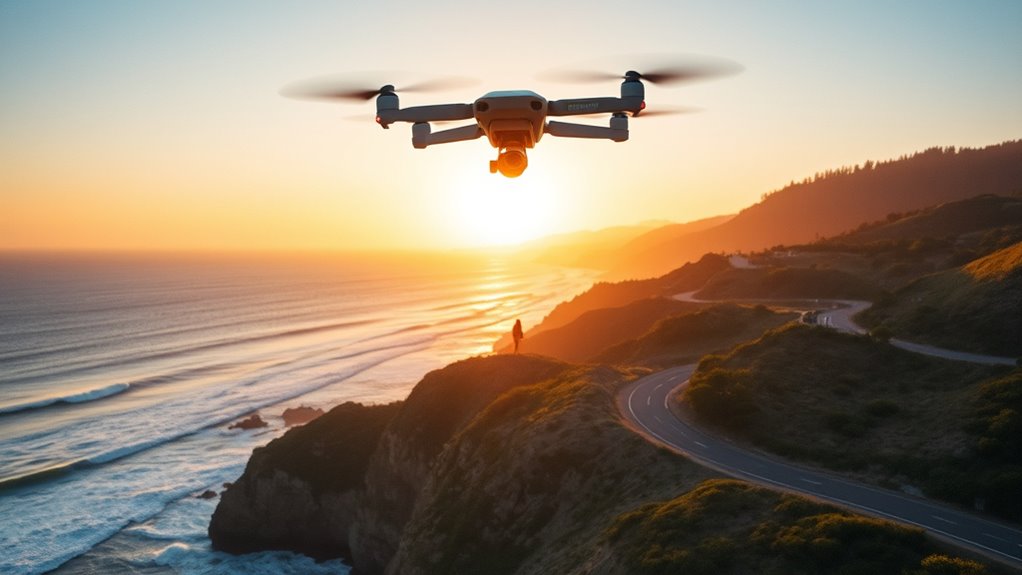
DJI QuickShots vs MasterShots vs ActiveTrack 360 comes down to the shot you want. Use QuickShots for one preset move, such as a Dronie or a Circle. Use MasterShots for a short edited film made from several moves. Use ActiveTrack 360 to follow a moving person or vehicle. All three run on the drone, need open space and work only on drones that support them.
DJI QuickShots vs MasterShots vs ActiveTrack 360
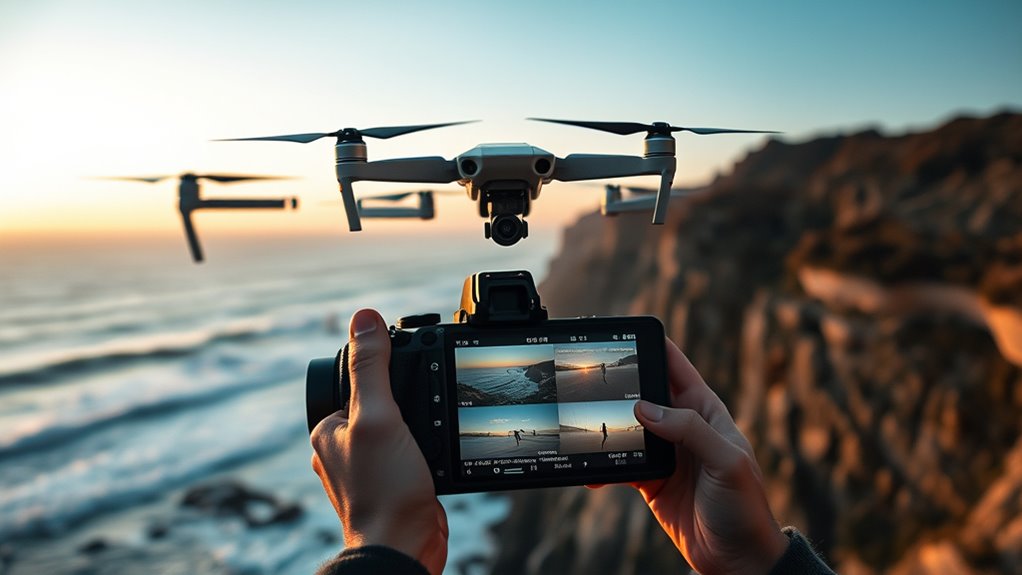
| Mode | What it does | Best for | You control |
|---|---|---|---|
| QuickShots | Flies one preset move around a subject you pick | One clean, repeatable move | Subject, distance and height limits |
| MasterShots | Flies several moves in a row and edits them into a short film with music | A fast clip to share | Subject and area size |
| ActiveTrack 360 | Follows a moving subject and keeps it in frame while the drone moves around it | People and vehicles in motion | Position around the subject (Manual mode) or nothing (Auto mode) |
Which DJI Drones Have These Modes?
Support depends on the drone. This table follows DJI manuals and launch material. Features can change with firmware and DJI Fly updates, so check your drone’s manual.
| Drone | QuickShots | MasterShots | Subject tracking |
|---|---|---|---|
| Mini 4 Pro | Six: Dronie, Rocket, Circle, Helix, Boomerang, Asteroid | Yes | Spotlight, Point of Interest, ActiveTrack 360 |
| Mini 5 Pro | Yes | Yes | FocusTrack and ActiveTrack |
| Air 3S | The same six | Yes | Spotlight, Point of Interest, ActiveTrack (Auto and Manual) |
| Mavic 4 Pro | The same six, plus SpinShot 360 | Yes | ActiveTrack 360, Spotlight, Point of Interest |
| Avata 360 | See DJI’s manual | See DJI’s manual | Spotlight Free, ActiveTrack 360 |
| Neo | Its own set, including Dronie, Circle, Rocket, Spiral and Boomerang | See DJI’s manual | Intelligent tracking and DirectionTrack |
When QuickShots Beat Manual Flying
QuickShots win when you want one smooth move and do not want to fly it by hand. The drone repeats the same path every time, so you can compare takes. The six QuickShots on the Mini 4 Pro, Air 3S and Mavic 4 Pro are:
- Dronie: flies backward and up while the camera stays on you.
- Rocket: climbs straight up with the camera looking down at you.
- Circle: orbits you at your current distance.
- Helix: flies backward and up in a spiral.
- Boomerang: flies an oval path around you.
- Asteroid: climbs to a set height, then captures a spherical panorama.
To start a QuickShot on the Mini 4 Pro:
- Switch the controller to N (Normal) mode and hover at least 2 m above the ground.
- Tap the shooting mode icon, choose QuickShots, then pick a mode.
- Tap the plus icon or drag a box over your subject.
- Tap Start.
Dronie flies as far as the maximum distance you set. Rocket climbs to the maximum height you set. If a mode is new to you, start with short distances.
How MasterShots Differs From QuickShots
QuickShots fly one move. MasterShots fly a chain of moves and edit them for you. DJI describes the result as a short film of about 10 to 30 seconds with transitions and music, so it needs no editing from you.
Shot Sequence Complexity
On the Mini 4 Pro, MasterShots works like this:
- Open MasterShots from the shooting modes menu.
- Draw a box around your subject. If it is a person, the drone can find them on its own.
- Set the area size (Small, Medium or Large). The app shows an estimated flight time, usually two to three minutes.
- Press the shutter button to start.
The drone flies a mix of circles, pull-backs, pitch-ups, rocket climbs and descents. It picks its moves from the type of subject: close objects, far landscapes or people. The drone rises a lot during the sequence, so start low or it may stop when it reaches maximum altitude.
Editing And Flow
MasterShots saves two things. You get the raw clips (4K or 1080p at 30 or 60 fps on the Mini 4 Pro) and a finished 1080p film with music and text from a template. Keep the film as it is, or re-edit the raw clips on your phone or computer.
One tip from testers: use manual exposure so the brightness does not jump between clips. Golden hour or an overcast sky also keeps the light even.
Creative Control Tradeoffs
The trade-off is speed against control. With MasterShots you pick the subject and the area size, and the drone picks the moves. You cannot change the path. It also takes two to three minutes and needs more space than one QuickShot. Choose MasterShots for a fast share. Choose QuickShots when you want one specific move for your own edit.
When ActiveTrack 360 Is The Best Pick
ActiveTrack 360 is best when your subject moves and you want it to stay in frame, such as a cyclist, a runner or a car. It is part of FocusTrack, which has three tools:
- Spotlight: the camera stays on the subject while you fly the drone yourself.
- Point of Interest (POI): the drone orbits the subject.
- ActiveTrack 360: the drone follows the subject on its own.
ActiveTrack 360 has three sub-modes on the Mini 4 Pro:
- Auto: the drone picks its own angles and moves.
- Manual: you place the drone around the subject with an on-screen dial.
- Parallel: the drone keeps one compass direction, so the background stays the same.
To start, drag a box over the subject or tap the plus sign above a person or vehicle the app has found. Then pick the tracking mode. ActiveTrack 360 is available on the Mini 4 Pro, Air 3, Mavic 4 Pro and Avata 360. Testers found it can pick the wrong subject type, and trees and branches can still cause crashes, so keep the area open.
Flight Modes Each Feature Requires
Use Normal mode. DJI’s Air 3S manual says FocusTrack, MasterShots and QuickShots work in Normal or Cine mode. Cine is Normal mode with a limited speed. The Mini 4 Pro guide tells you to switch to N for QuickShots. Sport mode turns obstacle sensing off, and these intelligent modes are not available in it. On the Mini 5 Pro, obstacle avoidance also works only in Cine and Normal.
Which Mode Fits Each Shot Type
- Show a house or a landmark: Dronie or Rocket.
- Show a landscape from above: Helix or Asteroid.
- Get a quick clip to post: MasterShots.
- Film someone riding, running or driving: ActiveTrack 360. Use Spotlight if you want to fly the drone yourself.
- Orbit a fixed object: Circle or Point of Interest.
Limits Of DJI Automated Flight Modes
- They need open space. The drone flies a set path, so trees, wires and walls on that path are a risk. Sensors can miss thin branches.
- They stop easily. A QuickShot ends if you move the sticks, if the drone nears a restricted zone, or if the sensors detect an obstacle.
- Subject detection can fail. One tester’s Mini 4 Pro first read a motorcyclist as a pedestrian.
- The rules still apply. In the US the FAA requires you to keep the drone in sight and at or below 400 feet in uncontrolled airspace. An automatic shot does not change that.
- Keep practicing manual flight. You need to take over fast when wind or a subject surprises the drone.
Tips For Better DJI Automated Footage
Plan the space first, then pick the mode. A short test shot at a short distance shows you how the drone will move before you try a long one.
Smooth Motion Settings
- Use Cine mode when you want slower, smoother movement. It slows flight inputs and gimbal movement.
- Start MasterShots from a low height.
- Use manual exposure for MasterShots so the brightness stays even.
- Fly when the light is soft, such as golden hour or an overcast day.
Better Reveal Shots
- Start close to your subject and use Dronie to pull back and show the place around it.
- Use Rocket for a top-down view of the spot where you stand.
- Choose a background with clear space behind the drone.
- Trim the first and last second in your editor, where the move starts and stops.
Frequently Asked Questions
What Are the Differences Between DJI MasterShots and QuickShots?
QuickShots fly one preset move. There are six on the Mini 4 Pro, Air 3S and Mavic 4 Pro. MasterShots fly several moves, then edit them into a 10 to 30 second film with music. Use MasterShots for speed and QuickShots for one specific move.
Is DJI Banned in the US?
No. Nothing bans you from owning or flying a drone you already have. On 22 December 2025 the FCC added all foreign-made drones and critical components to its Covered List. That blocks new models from FCC authorization, so new models cannot be legally marketed, imported or sold in the US. FAA rules still apply, including registration for drones over 250 g and Remote ID. Read is DJI banned in the US for the full answer.
How Do I Stop a QuickShot in the Middle?
Move either control stick and the shot ends. The shot also ends if the drone nears a restricted zone or its sensors detect an obstacle. After that, fly the drone by hand.
Conclusion
Pick QuickShots for one clean move, MasterShots for a fast finished clip, and ActiveTrack 360 for moving subjects. Use Normal mode, fly in open space and be ready to take over. Before your first flight, review our DJI Fly settings guide.
Last checked: October 2026.

