Using NDVI with drones helps you assess vegetation health across fields faster than walking crop rows alone. To get accurate measurements, you need the right multispectral camera, consistent calibration, smart flight planning, careful post-processing, and field checks that confirm what the map is showing.
Updated on 2025-11-19
Quick Answer
NDVI with drones uses multispectral imagery to show where crops are vigorous, stressed, sparse, or declining. A reliable workflow includes a calibrated camera, stable weather, 80% image overlap, consistent altitude, clean image stitching, and ground truthing before you make irrigation, fertilizer, or scouting decisions.
Each step matters because weak calibration, poor overlap, changing light, blurry photos, or missing field validation can turn a useful NDVI map into a misleading one. This guide walks you through the full drone-based NDVI workflow, from camera selection and flight setup to analysis, troubleshooting, regulations, software, and practical crop-management decisions.
Key Takeaways
- NDVI compares near-infrared and visible red light to estimate plant vigor on a scale from -1 to +1.
- Healthy crops often appear in the 0.3 to 0.9 NDVI range, but crop type, growth stage, soil background, and sensor setup affect interpretation.
- Reliable NDVI drone results depend on calibrated multispectral cameras, stable lighting, consistent altitude, and about 80% frontlap and sidelap.
- Ground truthing is essential because NDVI maps show patterns, but field inspection confirms whether stress is caused by water, disease, weeds, nutrients, pests, or soil variation.
- For commercial NDVI drone work in the U.S., you must follow FAA rules, including remote pilot certification and drone registration when applicable.
At a Glance
| Best For | Crop scouting, irrigation planning, fertilizer targeting, disease checks, field variability mapping, and vegetation monitoring |
| Difficulty | Moderate to advanced, depending on sensor setup and mapping software |
| Tools Needed | Drone, multispectral or NDVI camera, calibration panel, flight-planning app, charged batteries, mapping software, and field notes |
| Typical Flight Setup | Autonomous grid flight, stable lighting, consistent altitude, and about 80% frontlap and sidelap |
| Cost | Varies widely by drone, camera, software, acreage, and whether you process data yourself or hire a service |
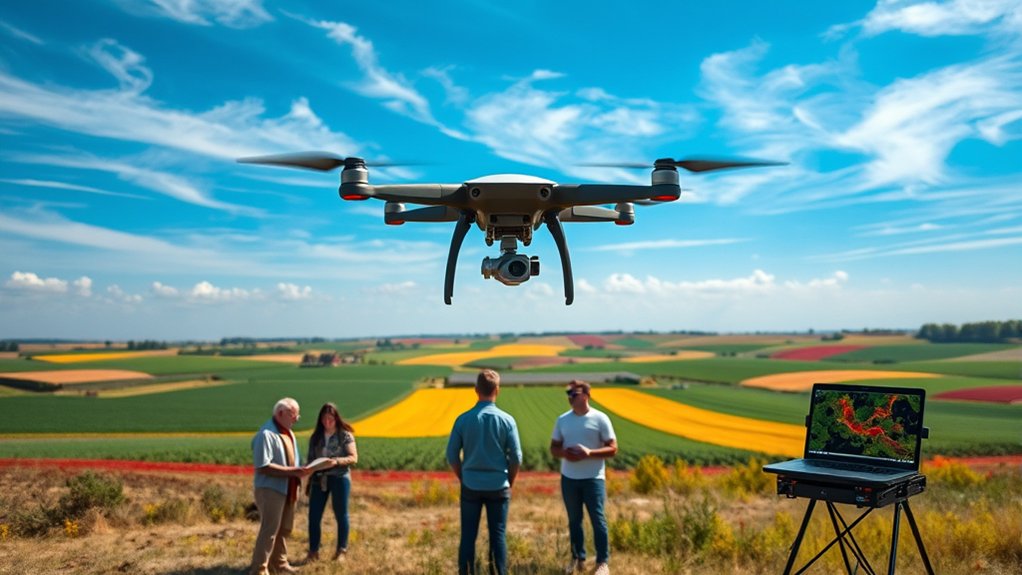
Understanding NDVI and Its Importance in Agriculture
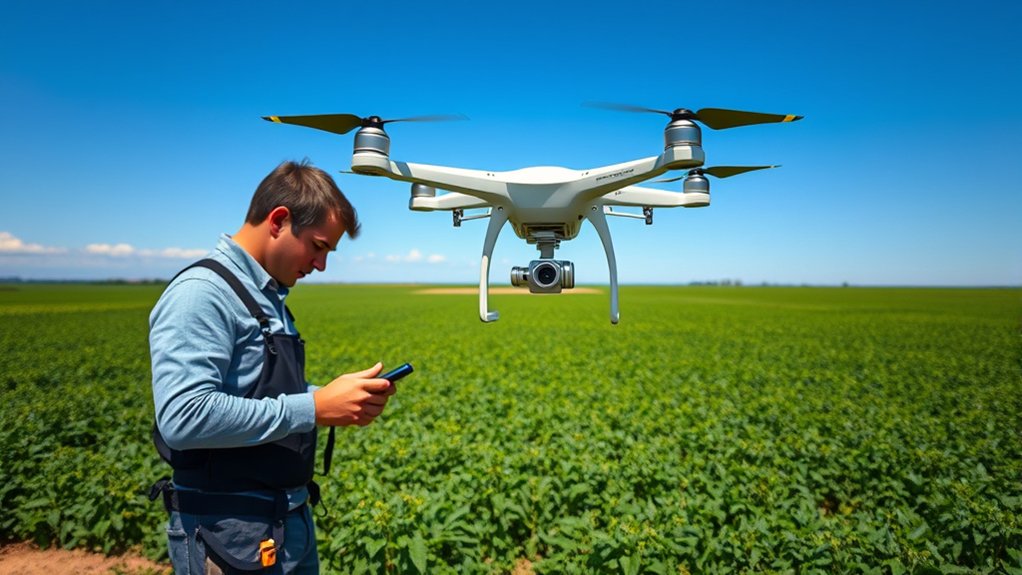
Understanding NDVI is essential for modern agriculture because it gives you a repeatable way to compare vegetation health across a field. NDVI, or Normalized Difference Vegetation Index, uses multispectral data to compare near-infrared light and red visible light reflected from plants.
The basic formula is NDVI = (NIR – Red) / (NIR + Red). The result usually ranges from -1 to +1. Higher values often suggest stronger plant vigor, while values near zero can point to bare soil, sparse vegetation, residue, buildings, roads, or water depending on the scene.
Healthy vegetation strongly reflects near-infrared light and absorbs much of the red light used for photosynthesis. Stressed vegetation often reflects these bands differently, which is why NDVI can reveal patterns that are hard to see from the ground.
NDVI is most useful when you treat it as a scouting guide, not a final diagnosis. The map shows where to look first; field inspection tells you why the pattern exists.
In agricultural monitoring, NDVI maps derived from drone imagery help reveal stress signatures across large areas. These patterns may point to drought stress, nutrient deficiency, compaction, pest pressure, disease, irrigation problems, stand gaps, or drainage issues.
By identifying areas that need attention, you can make data-driven decisions about scouting, irrigation, fertilizer, and crop protection. Used consistently, NDVI can support better input timing, reduced waste, and more sustainable agriculture.
Note: NDVI values are not universal pass-or-fail scores. Always interpret them with crop stage, local conditions, soil color, canopy cover, recent weather, and ground observations in mind.
Selecting the Right NDVI Camera for Your Drone
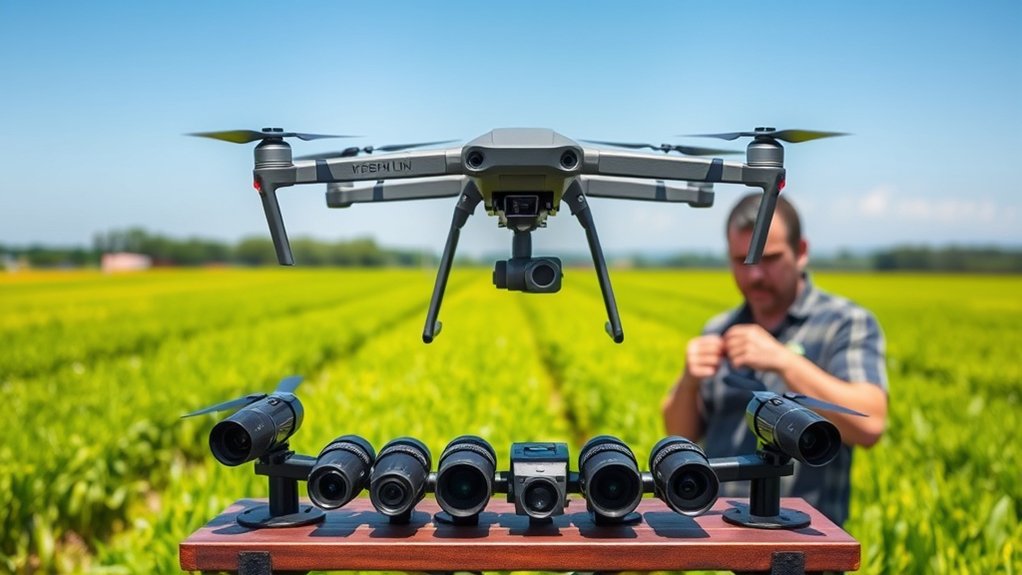
How do you choose the right NDVI camera for your drone? Start by deciding whether you need a basic NDVI workflow or a more advanced multispectral mapping setup. For crop decisions, a purpose-built multispectral sensor is usually more dependable than a modified consumer camera.
Common camera options include the Parrot Sequoia, MicaSense RedEdge, and TetraCams ADC Snap. These systems are designed to capture the spectral bands needed for vegetation-index mapping. Prioritize cameras that capture both red and near-infrared bands because those bands are required for the standard NDVI calculation.
Also look for built-in GPS, accurate timestamps, radiometric calibration support, and compatibility with your drone, flight app, and processing software. These features help align your images with real-world coordinates and make repeat surveys easier to compare.
Avoid hacked cameras when accuracy matters. Modified cameras can be useful for experiments or education, but poor calibration can lead to misleading NDVI results. Reliable measurements depend on proper calibration, stable exposure, and a camera that captures consistent spectral data.
Healthy plants often fall between about 0.3 and 0.9 on the NDVI scale, but a camera that is poorly calibrated can shift values and create false patterns. Choose a camera that gives you repeatable results, supports calibration panels when needed, and fits the level of decision-making you plan to do.
| Feature | Why It Matters |
|---|---|
| Red and NIR bands | Required for the standard NDVI formula |
| Radiometric calibration | Improves consistency between flights and dates |
| GPS/geotagging | Helps map images to real field locations |
| Software compatibility | Reduces processing errors and workflow delays |
| Stable mounting | Reduces blur, vibration, and alignment problems |
Preparing Your Drone for NDVI Flights

Before starting NDVI flights, confirm your drone is fully prepared for safe flight and clean data collection. A well-prepared drone improves NDVI accuracy, image sharpness, and map consistency.
Use this pre-flight workflow before each mission:
- Inspect the aircraft: Check propellers, arms, landing gear, camera mount, battery contacts, and firmware status.
- Calibrate the NDVI camera: Use the camera maker’s recommended workflow, including a calibration panel when supported.
- Clean the lens and sensor window: Dust, fingerprints, and moisture can reduce image quality and create false patterns.
- Install or configure the DroneDeploy app: Adjust settings to enable “Use 3rd Party Camera” when your setup requires it. Note that live video feed may be disabled during the NDVI flight.
- Plan your flight path: Set frontlap and sidelap around 80% to support effective stitching and analysis.
- Check memory and batteries: Carry enough storage and charged batteries for the full mission plus a safety margin.
- Record field notes: Note crop stage, weather, recent irrigation, fertilizer applications, and visible field issues before launch.
Additionally, set the initial flight altitude high enough for safe, consistent coverage. The original workflow uses at least 300 feet as a starting point. You can conduct test flights using the DJI GO app or your flight-control app to compare different altitudes and camera settings before collecting production data.
Warning: Do not launch an NDVI mission in unsafe wind, rain, low visibility, or airspace you are not authorized to fly in. A clean map is never worth risking people, property, aircraft, or legal compliance.
Flight Planning for Optimal NDVI Data Collection
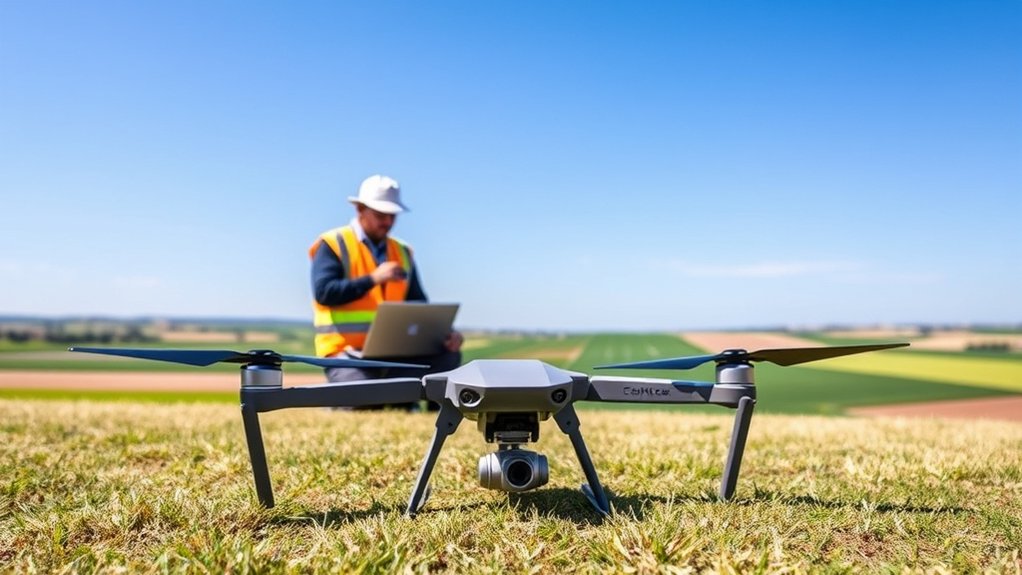
When planning your flight for NDVI data collection, focus on altitude, overlap, lighting, speed, and flight path consistency. These settings control image sharpness, coverage, and the quality of the final orthomosaic.
Use autonomous flight-planning tools to create a repeatable grid pattern. A repeatable path makes it easier to compare the same field over time. During flight, monitor real-time data, aircraft behavior, battery level, wind, and camera triggering so you can stop or adjust the mission if conditions change.
Altitude and Overlap Settings
To capture high-quality NDVI data, carefully plan your flight altitude and overlap settings. Key parameters include:
- Altitude: The original workflow recommends a minimum altitude of 300 feet to improve coverage and reduce image distortion. Your ideal altitude depends on sensor resolution, field size, regulations, and the level of detail you need.
- Overlap: Aim for 80% frontlap and 80% sidelap in your flight settings. High image overlap helps mapping software stitch images accurately and reduces data gaps.
- Speed: Keep flight speed moderate so the camera can capture sharp images without motion blur.
- Testing: Conduct test flights at different altitudes to find the best height for clear NDVI imagery without excessive blur or lost detail.
Adjusting these parameters based on crop type, canopy height, terrain, and field conditions can improve your NDVI maps. Autonomous flight-planning apps make it easier to maintain consistent altitude, overlap, speed, and coverage.
Flight Path Optimization
Effective flight path optimization is essential because it directly influences map accuracy and reliability. For best NDVI data collection, set your flight plan with an 80% frontlap and sidelap to guarantee sufficient image overlap.
Start your flight at a minimum altitude of 300 feet when that height fits your safety, legal, and image-quality needs. Then test and refine the altitude for your specific landscape.
Use drone mapping software and autonomous flight-planning apps like DroneDeploy to create efficient grid patterns that maximize coverage. For oddly shaped fields, include extra buffer around edges so the final orthomosaic does not crop out important border areas.
Always monitor battery life and prepare for multiple flights if your area exceeds the drone’s coverage capacity. It is better to split a field into clean, complete missions than to rush a large mission and end up with gaps.
Real-time Data Monitoring
Maximizing flight paths sets the stage for successful NDVI data collection, but real-time data monitoring protects the quality of your mission while it is happening.
To capture high-quality images during autonomous flights, keep these key points in mind:
- Set frontlap and sidelap to about 80% for ample image overlap.
- Begin around 300 feet if that altitude fits your mission, then adjust based on test flights and image quality.
- Use the DroneDeploy app or similar mapping software to maintain a systematic grid pattern.
- Watch battery levels, camera trigger status, wind changes, satellite count, and aircraft position throughout the mission.
Continuously monitor real-time flight data. Adjust or pause your flight path as needed to respond to changing conditions. Your NDVI data’s accuracy depends on consistent image capture, stable exposure, safe aircraft control, and complete field coverage.
Executing the Flight: Best Practices
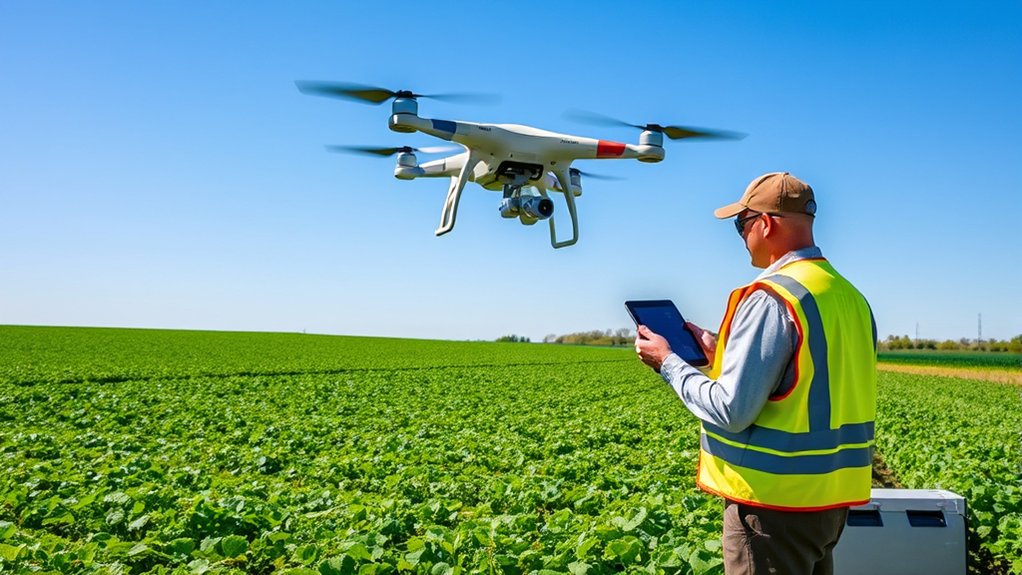
While preparing for your NDVI flight, use a repeatable process that supports high-quality data capture. Consistency is especially important if you want to compare the same field across multiple dates.
First, toggle on the “Use 3rd Party Camera” setting in the DroneDeploy app if your modified or external NDVI camera requires that setting. Be aware that this can disable the live video feed during the flight.
Plan your flight path with a minimum frontlap and sidelap of about 80% to provide enough image overlap for effective data processing. Save the plan before launch and double-check field boundaries, takeoff point, return-to-home height, and battery requirements.
Start at an altitude of at least 300 feet when that fits the mission. Conduct test flights at different heights to find the most effective altitude for your NDVI camera setup. After saving your flight plan, adjust the camera settings in the DJI GO app or your camera-control software to improve image sharpness and exposure consistency.
During the mission, keep an eye out for blurriness or other issues. Modified NDVI cameras and poorly mounted sensors may not always produce clean results. If you notice blur, unstable exposure, missing images, or abnormal aircraft behavior, pause the mission and fix the issue before continuing.
Pro Tip: Fly repeat NDVI surveys at similar times of day and under similar light conditions when possible. Consistent timing makes trend comparisons more useful.
Post-Flight Data Processing Techniques
After your drone flight, organize your data before opening your mapping software. Clean file management helps you process images faster, avoid mixing projects, and troubleshoot errors.
You will need to focus on the image stitching process to create seamless NDVI maps and ensure all images align correctly. Then, quality control checks help you find blurriness, gaps, exposure problems, or edge artifacts before you rely on the results.
Data Organization Strategies
To support effective post-flight data processing, use systematic data organization strategies as soon as you capture images. Three helpful methods include:
- Naming conventions: Organize your images by project, field, date, crop, and sensor. This makes retrieval easier during analysis.
- Metadata use: Use embedded metadata such as GPS coordinates and timestamps for georeferencing, mission review, and NDVI mapping.
- Folder structure: Separate raw images, calibration-panel photos, processed outputs, reports, exported maps, and field notes.
Also conduct immediate quality checks on your images. Flag missing images, blurred frames, underexposed areas, overexposed areas, and camera-trigger errors before you spend time processing. Software tools such as Maps Made Easy can help organize and process NDVI imagery when the input data is clean.
Image Stitching Process
The image stitching process transforms overlapping aerial images captured by drones into a cohesive orthomosaic map or 3D model. For NDVI, the output is often an NDVI orthomosaic that shows relative vegetation vigor across the mapped area.
Photogrammetry software such as DroneDeploy and Pix4Dmapper can use algorithms such as Structure from Motion to align and merge images based on common features. Proper georeferencing with GPS data and Ground Control Points can improve accuracy in real-world coordinates.
The final product, often an NDVI orthomosaic, provides critical insights into vegetation health. However, the map is only as reliable as the source images, calibration process, and processing settings.
| Key Component | Importance |
|---|---|
| High-Resolution Camera | Captures detailed imagery |
| Ground Control Points (GCPs) | Guarantees spatial accuracy |
| Photogrammetry Software | Automates the stitching process |
Quality Control Checks
Quality control checks are essential for ensuring the reliability of NDVI data obtained through drone imagery. To improve accuracy, follow these key steps:
- Review overlap: Check the overlap between images to confirm sufficient coverage and minimize data gaps.
- Inspect map edges: Look for warped edges, holes, artifacts, or inconsistent stitching.
- Conduct visual inspection: Use software tools to inspect NDVI maps for blurriness, striping, shadows, glare, and edge artifacts.
- Check calibration images: Confirm that calibration-panel photos were captured correctly if your workflow uses them.
- Implement ground truthing: Compare NDVI results with on-site observations to validate plant health readings.
Do not rely on the first generated map without review. A map can look convincing even when calibration, stitching, or exposure problems are hiding inside the data.
Analyzing NDVI Outputs for Crop Management
Drones equipped with NDVI sensors provide essential insights for crop management by delivering detailed data on plant health patterns. NDVI values range from -1 to +1, with healthy plants often scoring between about 0.3 and 0.9.
This range allows you to assess crop health and identify stressed areas within a field. However, NDVI should be interpreted as a relative index. The same number may mean different things across crop species, growth stages, soil backgrounds, and canopy densities.
By using calibrated NDVI imagery processed through software such as Maps Made Easy, you improve your chance of getting reliable measurements. Then, ground truthing helps you connect map patterns to real field causes.
| NDVI Value | Plant Health Status | Recommended Action |
|---|---|---|
| 0.0 – 0.2 | Poor | Investigate and remediate |
| 0.3 – 0.5 | Moderate | Monitor closely |
| 0.6 – 0.8 | Good | Maintain current practices |
| 0.9 – 1.0 | Excellent | Optimize inputs |
Ground truthing enhances accuracy by correlating NDVI data with actual field conditions. This can support precision agriculture practices that reduce unnecessary inputs, improve scouting efficiency, and lower environmental impact.
Turning NDVI Maps Into Field Decisions
After processing the NDVI map, use it to create a practical action plan:
- Scout low-NDVI zones first: These areas may show water stress, pest pressure, disease, compaction, stand loss, or nutrient issues.
- Compare with irrigation maps: Circular, linear, or edge patterns can point to irrigation-system problems.
- Review field history: Past yield maps, soil maps, drainage plans, and application records can explain recurring stress patterns.
- Check high-NDVI areas too: Very high values may show strong canopy, but they can also hide lodging risk, weeds, or overly dense growth.
- Track trends over time: A single map is useful, but repeat surveys show whether conditions are improving or declining.
The strongest NDVI workflow combines map data with agronomic judgment. The drone helps you see where to focus. Your field inspection helps you decide what to do next.
Common Challenges and Solutions in NDVI Mapping
While NDVI mapping offers valuable insights into crop health, several challenges can weaken its effectiveness. Most issues fall into three categories: sensor quality and calibration, flight planning and execution, and ground validation.
Addressing each area proactively helps you turn NDVI maps into trustworthy decision tools.
- Camera quality: Suboptimal camera quality can lead to image blurriness, especially at the edges, making the data difficult to analyze. Confirm your NDVI camera is properly mounted, focused, cleaned, and calibrated.
- Flight planning: Effective flight planning is vital. Aim for at least 80% frontlap and sidelap to reduce gaps in imagery, and adjust altitude and speed to avoid motion blur.
- Changing light: Clouds, shadows, haze, and low sun angles can shift reflectance values. Fly under stable conditions when possible and avoid rapidly changing light.
- Ground truthing: Always verify NDVI results in the field. This step is essential, especially when using non-calibrated cameras that may produce limited value ranges or biased readings.
- Processing errors: Failed image alignment, weak GPS data, and missing frames can create false patterns. Review the orthomosaic before making decisions.
| Problem | Likely Cause | Practical Fix |
|---|---|---|
| Blurry images | High speed, vibration, poor focus, or low light | Slow the drone, check the mount, clean the lens, and test focus before launch |
| Patchy orthomosaic | Low overlap or missing images | Increase frontlap and sidelap to about 80% and check camera triggering |
| False stress zones | Shadows, clouds, wet soil, or residue | Fly in stable light and verify suspect zones on the ground |
| Inconsistent maps over time | Different altitude, time of day, sensor settings, or calibration | Use repeatable flight plans and consistent calibration steps |
Regulatory Considerations for NDVI Drone Use
When using drones for NDVI mapping, you must comply with aviation regulations. In the U.S., commercial drone operations generally require a Remote Pilot Certificate under FAA Part 107.
Additionally, drones over 0.55 pounds generally need to be registered with the FAA before flight. Understanding these certification and registration guidelines is essential for legal and safe drone operations.
FAA Certification Requirements
To legally conduct NDVI mapping with drones in the U.S. for commercial purposes, you must understand the core FAA certification requirements. Here is what you need to know:
- Remote Pilot Certificate: Obtain this by passing the FAA Part 107 Knowledge Test, which is required for many commercial drone operations.
- Registration: Register any drone weighing over 0.55 pounds before using it for NDVI operations.
- Visual Line-of-Sight: Maintain visual line-of-sight during flights unless you have the proper waiver or approval.
- Operating limits: Follow rules for altitude, speed, airspace, right of way, night operations, and operations over people.
For current details, always refer to official FAA guidance on remote pilot certification, registration, and operating rules.
Drone Registration Guidelines
Understanding drone registration guidelines is vital for anyone planning to conduct NDVI mapping. To support compliance with FAA regulations for commercial use, register any drone weighing over 0.55 pounds through the FAA DroneZone.
In addition, obtaining a Remote Pilot Certificate by passing the FAA Part 107 Knowledge Test is mandatory for many commercial drone missions. You must also maintain visual line-of-sight during operations unless approved otherwise, and you must follow rules related to altitude, daylight or night operations, airspace, and right of way.
| Requirement | Description |
|---|---|
| Drone Registration | Required for drones over 0.55 pounds |
| Remote Pilot Certificate | Must pass FAA Part 107 Knowledge Test for many commercial operations |
| VLOS Maintenance | Vital for safe drone operation unless a valid waiver or approval applies |
Note: Drone rules can vary by country, state, local area, airspace class, and landowner policy. Check the rules for your exact location before flying.
Enhancing NDVI Results With Advanced Software Tools
While advanced software tools have changed how growers and consultants analyze NDVI imagery, their real value comes from processing spectral data correctly and making outputs easy to interpret.
You can enhance your NDVI results through:
- Dual-band imaging: This is vital for accurate NDVI calculations because it allows you to derive reliable vegetation index maps using the formula NDVI = (NIR – Red) / (NIR + Red).
- Agisoft Metashape: This software can streamline the photogrammetry workflow and help create detailed outputs for plant-health analysis.
- Pix4Dfields: This type of agriculture-focused mapping software can help create field-ready maps and vegetation-index outputs.
- Ground truthing: Validating NDVI results against actual field conditions ensures that processed imagery aligns with real-world measurements.
Using advanced software tools such as Pix4Dfields and Agisoft Metashape, along with clear visualization methods and tone mapping techniques, can make NDVI visualizations easier to interpret for agriculture and environmental monitoring.
Choosing NDVI Software
When selecting software, look beyond the map preview. A good NDVI platform should support your sensor, handle calibration data, export useful formats, and help you compare maps over time.
- For quick scouting: Choose software that creates fast field maps and simple zone views.
- For repeat monitoring: Choose software with consistent calibration support and comparison tools.
- For reports: Choose software that exports clear maps, legends, statistics, and shareable files.
- For advanced analysis: Choose tools that support multiple vegetation indices, shapefile exports, and integration with GIS or farm-management systems.
Best Practices for Repeat NDVI Surveys
Repeat surveys are where drone NDVI becomes especially useful. A single flight can show current variation, but repeat flights help you spot trends, measure change, and evaluate whether an intervention worked.
To improve repeat-survey value:
- Use the same field boundary: Keep the mapping area consistent so outputs are easier to compare.
- Fly at similar times: Similar sun angle and lighting reduce unwanted variation.
- Use the same altitude and overlap: Consistent flight settings improve map comparability.
- Use the same camera workflow: Keep calibration, exposure, and processing settings consistent.
- Record field events: Note irrigation, rainfall, fertilizer, spraying, planting, emergence, disease, and harvest activity.
With repeatable flights, NDVI maps become more than colorful images. They become a field-history tool that helps you track crop development and prioritize management decisions.
Conclusion
Leveraging drones for NDVI can make crop scouting faster, more visual, and more precise. By carefully managing your camera setup, flight plan, image processing, and field validation, you can turn aerial data into practical crop management insight.
The strongest NDVI workflow starts before takeoff and continues after the map is created. Choose a suitable sensor, calibrate it correctly, fly with stable settings, check your outputs, and confirm results on the ground before acting.
Remember, the journey from data collection to actionable insights is pivotal. Stay organized with software tools, remain aware of regulatory requirements, and use NDVI as one part of a smarter agricultural strategy.
Glossary
- NDVI (Normalized Difference Vegetation Index)
- A vegetation index calculated from near-infrared and red reflectance to indicate plant vigor on a scale from -1 to 1.
- NIR (Near-Infrared)
- Light just beyond the visible spectrum; healthy plants strongly reflect NIR, which is why it is key for NDVI.
- VIS (Visible Light)
- The portion of sunlight humans can see, including red. Plants absorb much of the red band for photosynthesis.
- Ground Control Point (GCP)
- A surveyed point on the ground with known coordinates used to improve the positional accuracy of drone maps.
- Orthomosaic
- A geometrically corrected, map-like image created by stitching overlapping photos into a single, scaled raster.
- Radiometric Calibration
- A process that helps convert raw image values into more consistent reflectance data for comparing maps across flights.
- Frontlap
- The amount of forward overlap between consecutive images captured along a flight line.
- Sidelap
- The amount of side-to-side overlap between adjacent flight lines.
Frequently Asked Questions
How do weather conditions affect NDVI drone flights?
Weather conditions greatly affect NDVI drone flights. High winds can destabilize the drone, while clouds, haze, rain, shadows, and changing sunlight can affect image quality and reflectance values. Avoid strong wind, rain, low visibility, and rapidly changing light.
What is the ideal altitude for NDVI drone flights?
A practical altitude for NDVI mapping is often around 120 to 150 meters, or about 400 to 500 feet, when legal and safe. The source workflow also recommends starting at a minimum of 300 feet. The best height depends on sensor resolution, field size, aircraft limits, and local rules.
How often should NDVI surveys be conducted?
During the growing season, many users conduct NDVI surveys every two to four weeks. You may fly more often during critical growth stages, after major weather events, or when checking whether irrigation, fertilizer, or pest-management actions worked.
Can NDVI be used for non-agricultural applications?
Yes. NDVI is widely used beyond agriculture for environmental monitoring, urban tree canopy assessments, land-cover mapping, forestry, habitat tracking, mine reclamation, and evaluating green infrastructure such as parks and rain gardens.
What maintenance is required for NDVI drone equipment?
Regularly inspect the airframe, check and clean propellers, clean NDVI camera lenses, inspect mounts, update firmware, calibrate sensors as recommended, and monitor battery health. Store sensors carefully and keep calibration panels clean.
Is NDVI enough to diagnose crop problems?
No. NDVI can show where vegetation differs across a field, but it does not automatically identify the cause. Use ground truthing, soil data, weather records, irrigation history, pest checks, and crop-stage information before making treatment decisions.
Do I need a multispectral camera for NDVI?
For reliable NDVI mapping, a dedicated multispectral camera is the better choice because it captures the red and near-infrared bands needed for the NDVI formula. Modified consumer cameras can work for basic experiments, but they are usually less dependable for decision-grade data.
About the Author
Caius Wilder is a U.S.-based drone expert who specializes in precision aerial mapping, FPV cinematography, and practical drone safety training. Through Wilder Aerial Lab, he helps crews plan missions, capture reliable data, and stay compliant with regulations.
Caius has trained hundreds of pilots, consulted on commercial inspections and shoots, and writes step-by-step guides that make complex drone workflows easy to follow.
Related Articles
Sources
- NASA Earth Observatory — NDVI and measuring vegetation from reflected light
- FAA Remote Pilot Certificate — commercial drone pilot certification requirements
- FAA DroneZone — U.S. drone registration portal
- FAA Getting Started With Drones — basic drone rules and safety guidance

