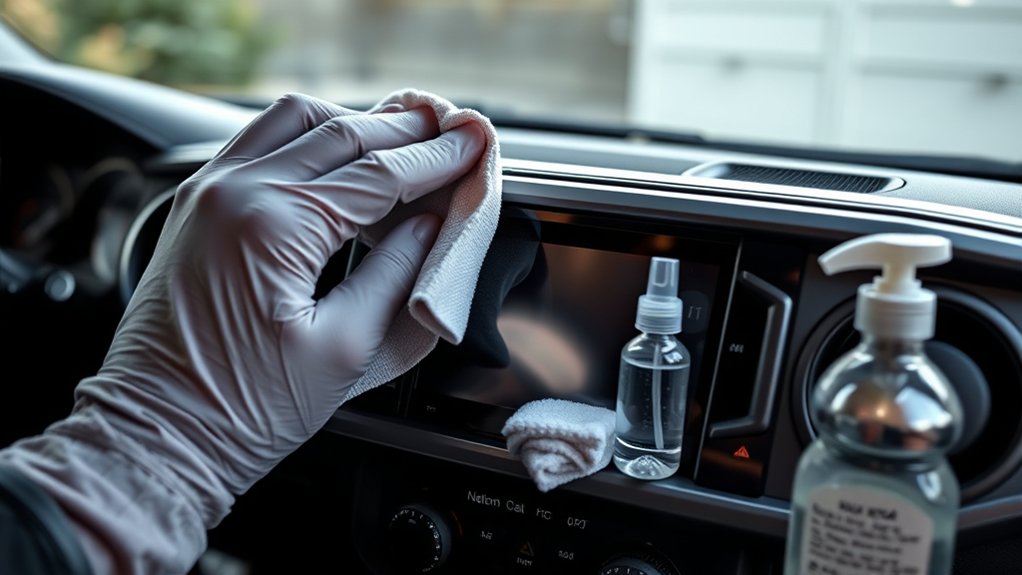
The safest way to clean a Toyota Tacoma touchscreen is to start with a clean glasses-cleaning cloth or similarly soft microfiber cloth while the truck is parked. Wipe gently and use the cloth dry first. Do not assume that water, alcohol wipes, glass cleaner, or another chemical is safe for every Tacoma: Toyota’s touchscreen-cleaning instructions have changed across multimedia generations, so check the guidance for your exact model year before adding any liquid.
Last updated: September 11, 2026 — cleaning guidance rechecked against Toyota’s 2026 and 2021 Tacoma multimedia documentation.
Tacoma multimedia systems vary by model year and equipment package. Check your model-year guidance through Toyota’s Manuals and Warranties page. This matters because Toyota’s 2021 Tacoma multimedia manual warns against chemical cleaners and specifically lists alcohol among liquids that can discolor the screen, while the 2026 Tacoma multimedia manual tells owners to use a glasses-cleaning cloth or similar soft cloth and specifically warns against benzine and alkaline solutions.
Quick Answer
Park your Tacoma and stop interacting with the display. Remove loose dust or grit, then gently wipe the screen with a clean glasses-cleaning cloth or similarly soft microfiber cloth. Start dry. If a stubborn mark remains, check the multimedia manual for your exact model year before applying water, an LCD cleaner, alcohol, or another liquid. Never assume a cleaner that is safe on one Tacoma generation is safe on another.
Key Takeaways
- Park before cleaning so the display does not distract you while driving.
- Use a clean glasses-cleaning cloth or similarly soft microfiber cloth and remove grit before wiping.
- Start with the cloth dry and use light pressure.
- Toyota cleaning instructions differ by Tacoma multimedia generation.
- Do not treat alcohol, household glass cleaner, water, or a commercial screen cleaner as universally approved.
At a Glance
| Time Required | About 5 to 10 minutes |
| Difficulty | Easy |
| Tools Needed | One or two clean glasses-cleaning or soft microfiber cloths; model-year manual if a liquid cleaner is needed |
| Cost | No extra cost if you already have a suitable clean cloth |
Warning: Never clean or inspect the touchscreen while driving. The National Highway Traffic Safety Administration includes interacting with entertainment and navigation systems in its definition of distracted driving. Park in a safe place before cleaning or troubleshooting the display.
Why Careful Touchscreen Cleaning Matters
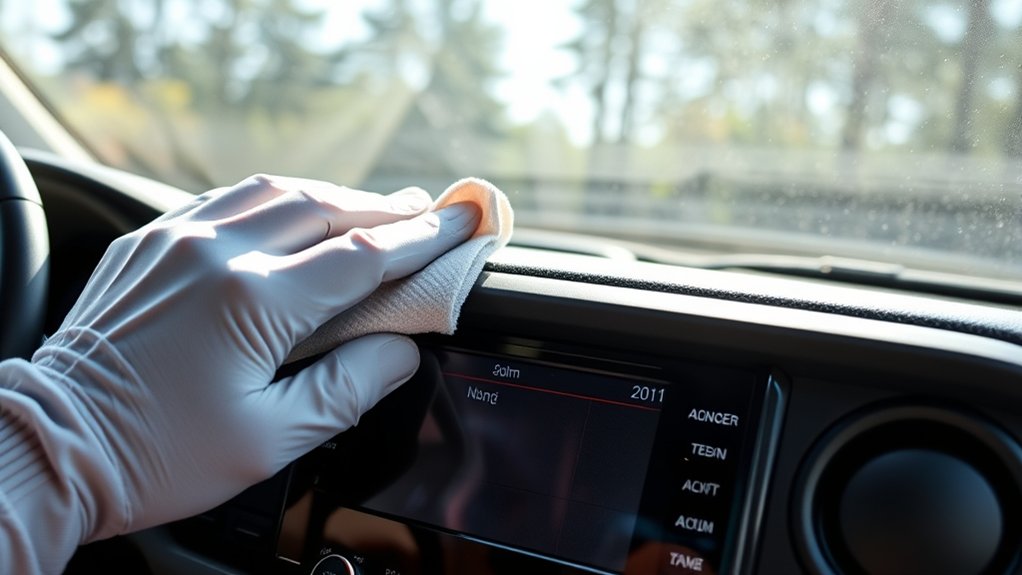
Finger oils, dust, and dried residue can reduce visibility and make the display less pleasant to use. Loose sand or grit can also mark the surface if it is dragged across the screen under pressure.
Careful cleaning removes buildup without forcing debris across the display. It can preserve the screen’s appearance, but it cannot repair scratches, worn coatings, dead pixels, or an internal touchscreen fault.
Note: Screen materials and cleaning instructions differ among Tacoma multimedia generations. Treat the multimedia or navigation manual for your exact model year as the final authority when its instructions differ from general screen-care advice.
Recommended Cleaning Materials for Safe Touchscreen Care
You do not need a large detailing kit. Toyota’s current Tacoma guidance puts the emphasis on using a soft cleaning cloth and avoiding excessive force.
| Material | Purpose | How to Use It |
|---|---|---|
| Glasses-cleaning cloth or similarly soft microfiber cloth | Routine fingerprints, dust, and light smudges | Use it clean and dry first. Wipe gently rather than pressing hard. |
| Second clean soft cloth | Final buffing or drying if your approved method uses moisture | Use a clean section so oil or grit is not transferred back to the display. |
| Model-year-approved screen cleaner | Residue that a dry soft cloth will not remove | Use only when the instructions for your exact multimedia system permit it. Apply according to those instructions rather than assuming one cleaner is safe for every Tacoma. |
The distinction between model years is important. Toyota’s 2026 Tacoma Multimedia Owner’s Manual tells owners to gently clean the screen with a glasses-cleaning cloth or similar soft cloth. It warns that a hard cloth or force can scratch the screen and says not to use benzine or an alkaline solution.
By comparison, Toyota’s 2021 Tacoma Navigation and Multimedia System Owner’s Manual says to wipe fingerprints with a glass-cleaning cloth, not to use chemical cleaners, and specifically lists benzine, gasoline, alcohol, and alkaline solutions among liquids to avoid.
| Toyota Guidance | Cleaning Direction | Important Restriction |
|---|---|---|
| 2021 Tacoma multimedia manual | Use a glass-cleaning cloth for fingerprints. | Warns against chemical cleaners and lists alcohol among prohibited organic solutions. |
| 2026 Tacoma multimedia manual | Use a glasses-cleaning cloth or similar soft cloth. | Warns against hard cloths, force, benzine, and alkaline solution. |
| Toyota general interior-care guidance | Uses a microfiber cloth lightly dampened with specialized LCD cleaner. | Avoid ammonia-based cleaners and abrasive materials; model-specific instructions still take priority. |
Toyota’s current general interior-cleaning guide discusses specialized LCD cleaner, but that broad advice should not override a stricter Tacoma multimedia manual.
Step-by-Step Guide to Cleaning Your Touchscreen
1. Park and Power Off the Display
Park the Tacoma on a stable surface and set the parking brake. Stop interacting with the multimedia display before cleaning it. A dark or inactive display also makes fingerprints and streaks easier to see.
2. Remove Loose Dust and Grit
Inspect the screen for sand, crumbs, or other hard particles. Gently lift loose debris with a clean soft cloth instead of pressing it across the display. Do not reuse a cloth that contains dashboard grit, exterior dirt, wax, or another detailing product.
3. Wipe With a Dry Microfiber Cloth
Fold the cloth so you can expose a clean section as it picks up fingerprints. Wipe gently with overlapping passes. Toyota’s 2026 Tacoma multimedia manual specifically warns that force or a hard cloth may scratch the screen.
4. Check Your Manual Before Adding Moisture or Cleaner
If the mark remains after gentle dry wiping, stop before introducing a liquid. Open the multimedia or navigation manual for your exact Tacoma model year and follow its cleaning instructions. Toyota guidance differs across generations, so a product or solution mentioned in general Toyota care advice is not automatically approved for every Tacoma display.
Do not spray liquid directly onto the touchscreen unless the instructions for your exact system explicitly direct you to do so. Applying any permitted liquid to a cloth gives you more control over how much reaches the display.
5. Dry and Inspect the Screen
If an approved cleaning method leaves moisture on the display, use a second clean soft cloth to remove it. Check the screen from different angles before resuming normal use. Toyota’s current multimedia guidance notes that water or dirt on the screen can interfere with touchscreen response.
Pro Tip: Fold each cloth into quarters. That gives you several clean wiping surfaces and reduces the chance of moving oil or grit back across the display.
Common Mistakes to Avoid When Cleaning Your Touchscreen
- Cleaning while driving: Stop and park before inspecting or cleaning the display.
- Assuming one cleaner fits every Tacoma: Model-year instructions differ.
- Pressing hard: Toyota specifically tells owners to clean gently.
- Using a hard or dirty cloth: A hard surface or trapped grit can mark the display.
- Using alcohol because it works on another device: Toyota’s 2021 Tacoma multimedia manual explicitly warns against alcohol.
- Using household glass cleaner automatically: Older Tacoma guidance warns against chemical cleaners, while current Toyota general guidance specifies a purpose-made LCD cleaner rather than ordinary household glass cleaner.
- Using benzine or alkaline cleaner: Toyota’s 2026 Tacoma multimedia manual specifically warns against both.
- Scraping dried residue: Do not use a blade, card edge, fingernail, or other hard tool on the display.
Techniques for Removing Stubborn Smudges From Your Touchscreen
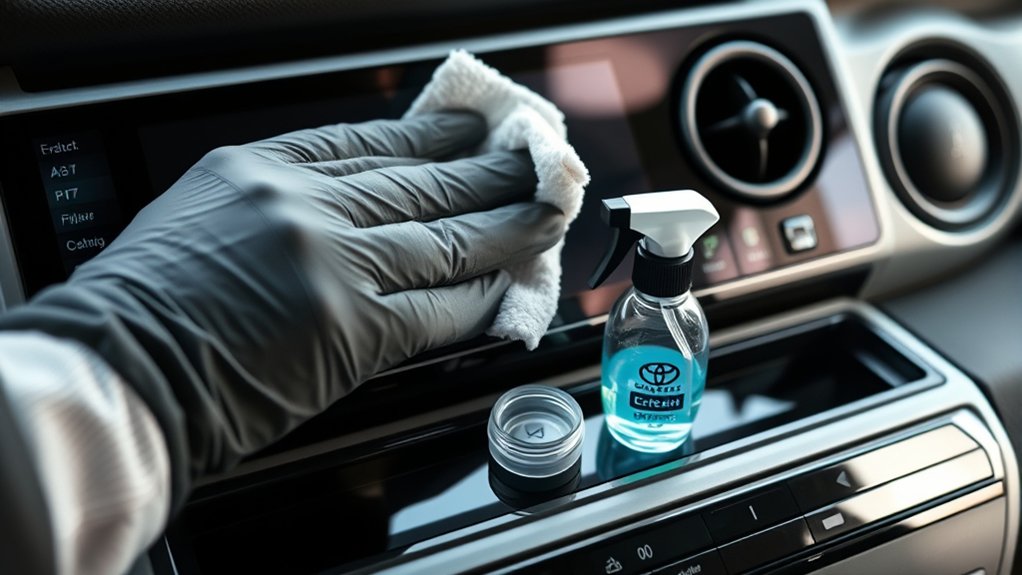
Start with the least aggressive method. Several gentle passes with a clean soft cloth are safer than immediately adding a chemical or increasing pressure.
- Remove loose dust and grit before rubbing the mark.
- Use a clean glasses-cleaning or similarly soft microfiber cloth.
- Turn the cloth to a fresh section and repeat with light passes.
- If the residue remains, check the multimedia manual for your exact Tacoma year before adding any liquid or cleaner.
- Follow only the cleaning method approved for that system, then remove any remaining moisture with a clean soft cloth.
Do not use a homemade vinegar mixture as a universal Tacoma cleaning method. Also avoid scraping dried material with a fingernail, card, blade, or hard plastic tool.
Touchscreen Cleaning Troubleshooting
Why Does the Screen Still Look Streaky?
Start by switching to a clean, dry, soft cloth. A cloth already carrying oil or cleaning residue can move streaks around instead of removing them. Do not keep adding cleaner to chase a streak; first remove the residue already on the display using the method approved for your multimedia system.
What if the Screen Does Not Respond After Cleaning?
Make sure nothing is pressing against the display and confirm that the surface is clean and dry. Toyota’s 2026 Tacoma multimedia manual lists dirt or water on the screen and a plastic film or coating as conditions that can cause touchscreen buttons to malfunction or stop responding.
If the screen still does not respond, restart the multimedia system using the procedure in your model-year manual. On the 2026 Tacoma system, Toyota instructs owners to remove anything touching the screen and restart the system if buttons remain unresponsive. If the problem continues, the cause may involve software, hardware, or an aftermarket protector rather than surface dirt.
What if Liquid Reached the Screen Edge?
Stop adding cleaner and leave the area alone until it is dry. Do not apply a heat gun or another aggressive drying method. Contact a Toyota dealer or qualified automotive electronics technician if liquid may have entered the unit or if you notice flickering, ghost touches, discoloration, or persistent response problems.
How Often Should You Clean Your Touchscreen?
Clean the screen when fingerprints, dust, or glare begin to affect visibility. Routine care may require nothing more than a gentle wipe with a clean, dry, soft cloth. There is no need to introduce cleaner simply because a certain number of days have passed.
Dusty roads, frequent passengers, children, and regular touchscreen use can make cleaning necessary more often. Removing loose grit before it builds up is more important than following a fixed weekly schedule.
How to Store Your Cleaning Cloths for Best Results
Store touchscreen cloths in a sealed pouch, clean container, or closed console compartment. Keeping them separate from general detailing towels helps prevent dashboard protectant, glass cleaner, wax, or grit from being transferred to the touchscreen.
- Wash each cloth according to its care label.
- Do not use laundry products the cloth manufacturer says can coat or damage its fibers.
- Let cloths dry completely before storing them.
- Replace a cloth that feels rough, holds grit, or keeps leaving residue.
- Keep one cloth dedicated to the touchscreen instead of using the same towel on every cabin surface.
Screen Protectors: Are They Worth It?
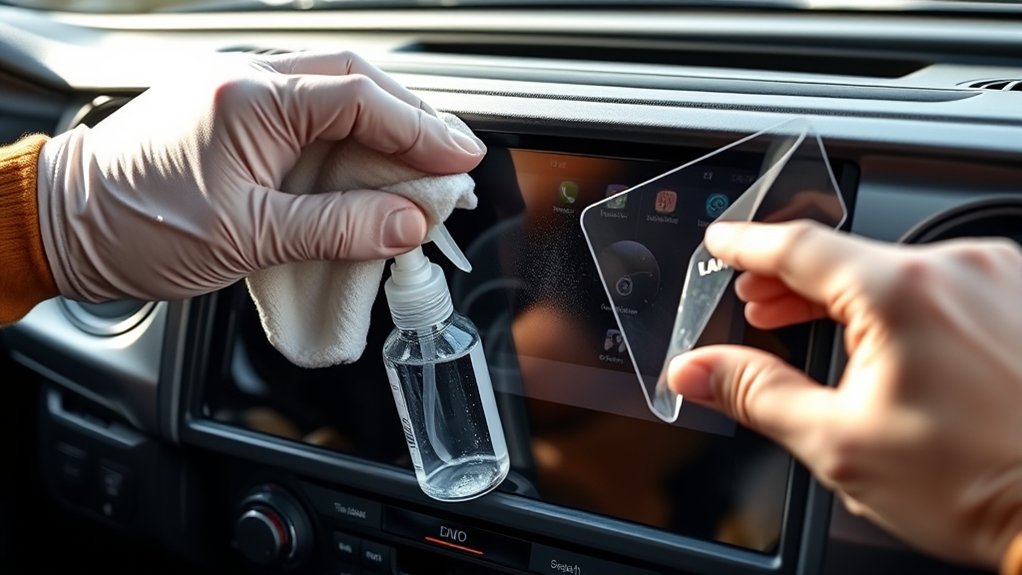
A properly fitted screen protector provides a replaceable surface for fingerprints and light contact, but it is optional. Toyota’s 2026 Tacoma multimedia manual also notes that a plastic film or coating on the screen can be one reason touchscreen buttons fail to respond or behave incorrectly. If response problems start after a protector is installed, test that possibility before assuming the display itself has failed.
| Check | Why It Matters |
|---|---|
| Exact model-year and display fit | Tacoma screen sizes and surrounding controls vary by generation and equipment. |
| Touch compatibility | Toyota notes that a plastic film or coating can interfere with touchscreen operation. |
| Glare and clarity | Different protector finishes can change reflections and apparent sharpness. |
| Removal instructions | Follow the protector manufacturer’s removal method instead of scraping the display with a hard tool. |
Clean the original screen using the Toyota-approved method for your model year before installing a protector. Follow the protector manufacturer’s instructions and remove or replace it if it clearly interferes with touch response, visibility, buttons, or nearby sensors.
How to Evaluate Touchscreen Cleaning Products
Customer reviews may reveal streaking, odor, leaking bottles, or poor cloth quality, but popularity does not establish compatibility with a Tacoma display. Your model-year Toyota instructions matter more than a generic “safe for electronics” claim.
| What to Check | Good Sign | Reason to Skip It |
|---|---|---|
| Compatibility statement | Its stated use matches the cleaning method allowed by your Tacoma manual | The formula conflicts with your model-year instructions |
| Application directions | Uses a controlled amount on a soft cloth when that method is approved | Requires a method prohibited by the vehicle documentation |
| Ingredient disclosure | Ingredients and restrictions are clearly stated | Contains a substance your Tacoma manual says not to use |
| Cloth quality | Soft glasses-cleaning or similar microfiber material | Hard, gritty, dirty, or visibly rough material |
Tips for Preventing Future Damage to Your Touchscreen
Use an As-Needed Cleaning Schedule
Remove visible dust before it becomes a gritty layer, and clean fingerprints when they interfere with readability. A clean, dry, soft cloth should remain the first step. Introduce liquid only when your model-year guidance supports the method.
Maintain a Screen Protector Correctly
If you install a protector, clean it according to its manufacturer’s instructions. Replace it if lifted edges collect dirt, damage creates rough areas, or touch response changes. If touchscreen response becomes worse after installation, remember that Toyota identifies screen film or coating as a possible cause of touch-operation problems.
Avoid Unapproved Chemicals and Tools
Do not assume a cleaner is safe because it works on household glass, a phone, or a computer monitor. Toyota’s own instructions differ by Tacoma generation. In particular, the 2021 Tacoma multimedia manual warns against chemical cleaners, gasoline, benzine, alcohol, and alkaline solutions, while the 2026 manual specifically warns against benzine and alkaline solution and emphasizes a soft cloth.
Note: Dashboard plastics, instrument-cluster lenses, screen protectors, and the center touchscreen can have different cleaning requirements. Do not automatically use one interior product on every surface.
Frequently Asked Questions
How do you clean a Toyota Tacoma touchscreen?
Park the truck and use a clean glasses-cleaning cloth or similarly soft microfiber cloth. Remove loose grit first, then wipe gently with the cloth dry. If residue remains, check the multimedia manual for your exact model year before using water or a cleaner because Toyota’s instructions differ among Tacoma generations.
What does Toyota recommend for a 2026 Tacoma touchscreen?
Toyota’s 2026 Tacoma multimedia manual says to gently clean the screen with a glasses-cleaning cloth or similar soft cloth. It warns that force or a hard cloth may scratch the display and says not to use benzine or an alkaline solution.
Can you use alcohol wipes on a Toyota Tacoma touchscreen?
Do not treat alcohol wipes as universally safe. Toyota’s 2021 Tacoma multimedia manual specifically warns against alcohol and chemical cleaners. Newer guidance is worded differently, so check the multimedia manual for your exact model year before using an alcohol-based product.
Can you clean a Tacoma touchscreen with water?
Water should not be treated as a universal Tacoma cleaning instruction. Start with a clean, dry, soft cloth. If dry wiping is not enough, follow the cleaning directions for your exact multimedia system before adding moisture.
Can you use Windex or household glass cleaner on a Tacoma screen?
Do not assume household glass cleaner is safe. Older Tacoma multimedia guidance warns against chemical cleaners, and Toyota’s current general interior-care guidance refers to specialized LCD cleaner rather than ordinary household glass cleaner. Follow the manual for your exact Tacoma.
Can a screen protector make a Tacoma touchscreen unresponsive?
Yes, it can be a factor. Toyota’s 2026 Tacoma multimedia manual lists a plastic film or coating on the display among conditions that may cause touchscreen buttons to malfunction or stop responding. Check protector fit and compatibility if response problems begin after installation.
Why is the Tacoma touchscreen unresponsive after cleaning?
Make sure the display is clean and dry and that nothing is touching it. Toyota’s current multimedia guidance notes that dirt, water, and a screen film or coating can interfere with touch operation. Restart the multimedia system according to your model-year manual if the problem continues.
Related Toyota Tacoma Guides
- How to clean Toyota Tacoma interior plastics safely
- How to pair Bluetooth on a Toyota Tacoma
- Toyota Tacoma backup camera troubleshooting
- How to set up Apple CarPlay on a Toyota Tacoma
Conclusion
The safest universal starting point for a Toyota Tacoma touchscreen is simple: park the truck, remove loose grit, and clean gently with a clean glasses-cleaning cloth or similarly soft microfiber cloth. Start dry rather than assuming a liquid is required.
The important detail is the model year. Toyota’s 2021 Tacoma multimedia guidance explicitly warns against chemical cleaners and alcohol, while the 2026 manual uses different wording and emphasizes a soft cloth while prohibiting benzine and alkaline solution. Check the manual for your exact system before introducing a cleaner, and troubleshoot persistent touch-response problems before assuming the display itself has failed.
Sources
- Toyota Manuals and Warranties — model-year-specific owner and multimedia documentation.
- Toyota 2026 Tacoma Multimedia Owner’s Manual — current Tacoma guidance on soft-cloth cleaning, screen response, benzine, and alkaline solutions.
- Toyota 2021 Tacoma Navigation and Multimedia System Owner’s Manual — earlier Tacoma guidance warning against chemical cleaners, alcohol, gasoline, benzine, and alkaline solutions.
- Toyota: How to Clean Your Car’s Interior — Toyota’s current general guidance for vehicle touchscreens and LCD cleaner.
- National Highway Traffic Safety Administration: Distracted Driving — identifies entertainment and navigation interaction as potential driving distraction.

